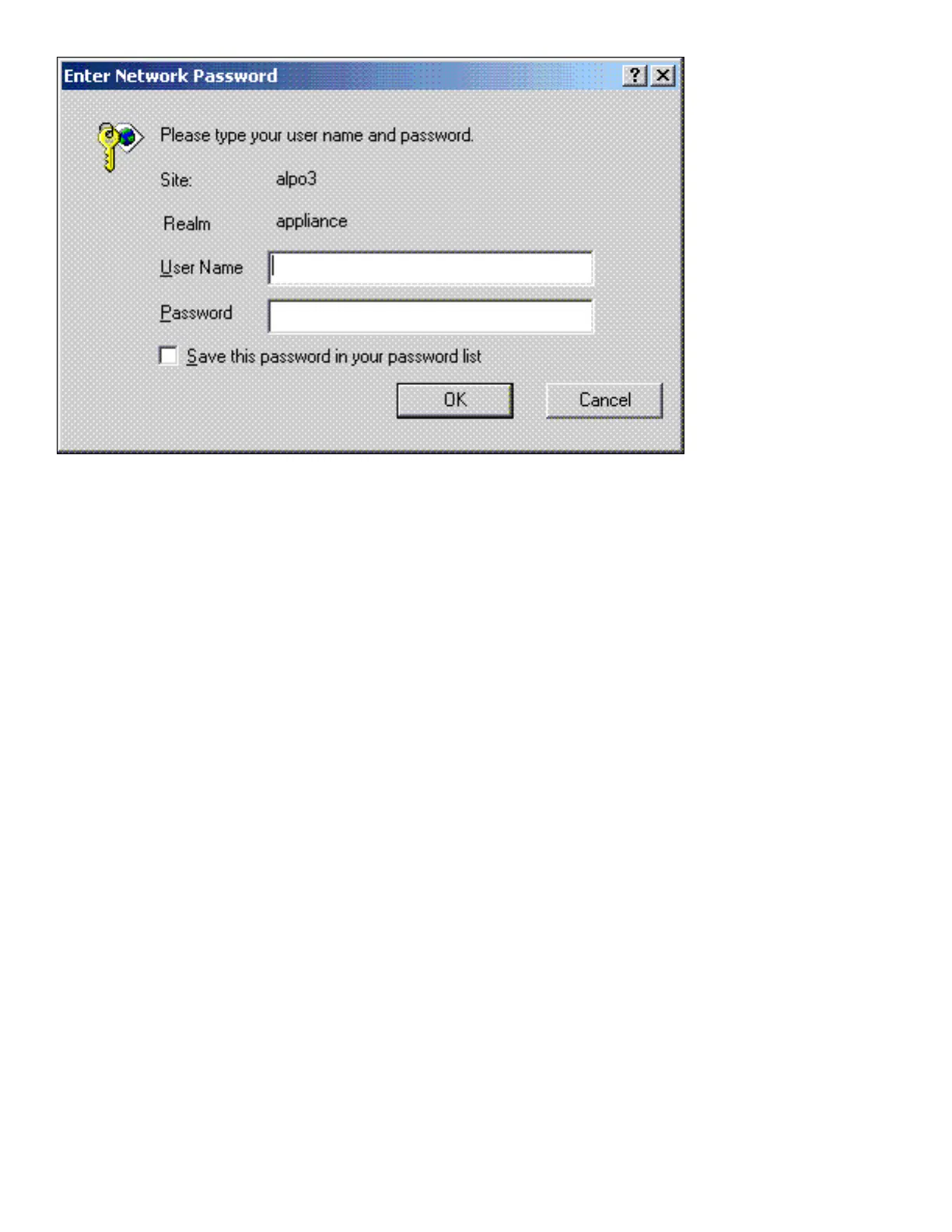
Configuring Internet Explorer
By default, URLs (including IP addresses) with periods in the name (for example, http//www.hp.com and
http://10.0.0.1) or URLs that go through a proxy server are not included in a browser's local intranet. An
administrator can view or change their local intranet settings in the Internet Options page under the Security tab
by selecting Local Intranet and clicking on the Sites button.
In order to have SSO work with IP addresses, the proxy must be bypassed for that IP address; enter the IP
address under Tools-->Options-->Connections-->Proxy Server-->Advanced-->Exceptions. Also, under
Security-->Sites, select "Include all sites that bypass the proxy server".











 To Next Page