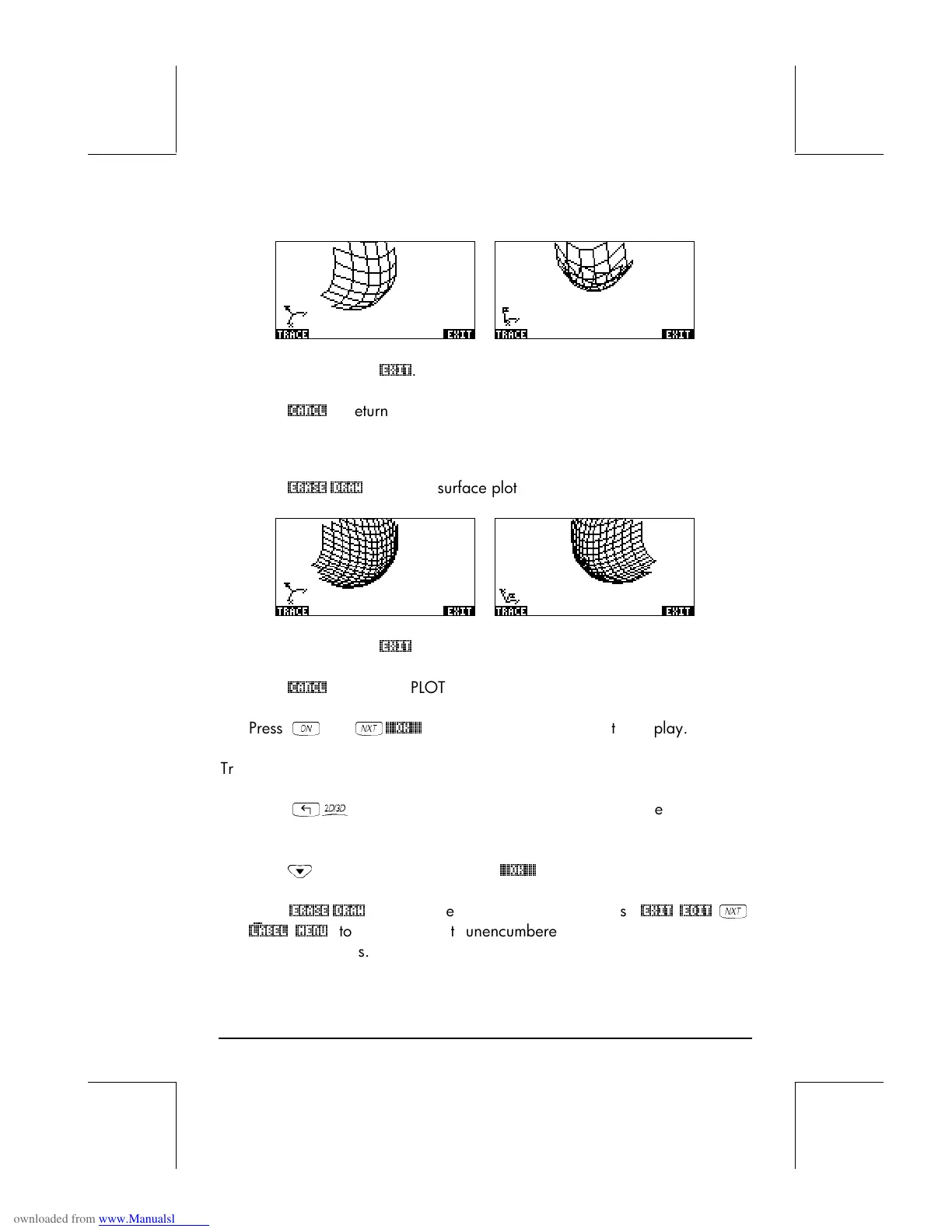
Page 10-7
• When done, press
@EXIT
.
• Press
@CANCL
to return to the PLOT WINDOW environment.
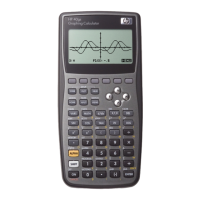
• Change the Step data to read: Step Indep: 20 Depnd: 16
• Press
@ERASE @DRAW
to see the surface plot. Sample views:
• When done, press
@EXIT
.
• Press
@CANCL
to return to PLOT WINDOW.
• Press
$
, or
L
@@@OK@@@
, to return to normal calculator display.
Try also a Fast 3D plot for the surface z = f(x,y) = sin (x
2
+y
2
)
• Press
„ô
, simultaneously if in RPN mode, to access the PLOT SETUP
window.
• Press
˜
and type ‘SIN(X^2+Y^2)’
@@@OK@@@
.
• Press
@ERASE @DRAW
to draw the slope field plot. Press
@EXIT
@EDIT
L
@)LABEL @MENU
to see the plot unencumbered by the menu and with
identifying labels.



 To Next Page