Figures
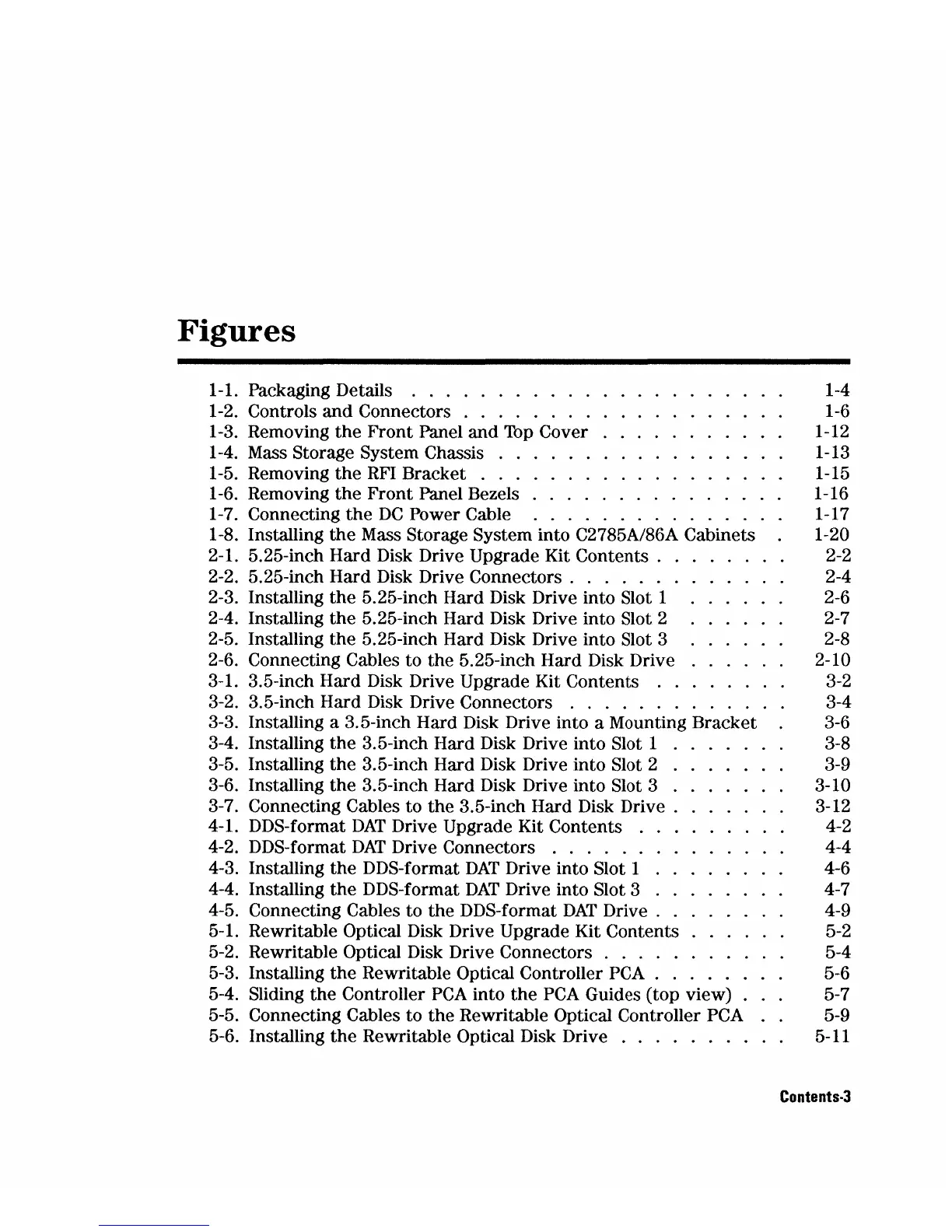
1-1. Packaging Details . . . . . . . . . . . . . . . 1-4
1-2. Controls
and
Connectors . . . . . . . . . 1-6
1-3. Removing
the
Front
Panel
and
Top
Cover 1-12
1-4. Mass Storage System Chassis . . . 1-13
1-5. Removing
the
RFI
Bracket . . . 1-15
1-6. Removing
the
Front
Panel Bezels . . 1-16
1-7. Connecting
the
DC
Power Cable 1-17
1-8. Installing
the
Mass Storage System into C2785A/86A Cabinets 1-20
2-1. 5.25-inch Hard Disk Drive Upgrade Kit
Contents.
. . 2-2
2-2. 5.25-inch Hard Disk Drive
Connectors.
. . . . . . . 2-4
2-3. Installing
the
5.25-inch Hard Disk Drive into Slot 1 2-6
2-4. Installing
the
5.25-inch Hard Disk Drive into Slot 2 2-7
2-5. Installing
the
5.25-inch Hard Disk Drive into Slot 3 2-8
2-6. Connecting Cables to
the
5.25-inch Hard Disk Drive 2-10
3-1. 3.5-inch Hard Disk Drive Upgrade Kit Contents . . 3-2
3-2. 3.5-inch Hard Disk Drive Connectors . . . . . . . . 3-4
3-3. Installing a 3.5-inch Hard Disk Drive into a Mounting Bracket 3-6
3-4. Installing
the
3.5-inch Hard Disk Drive into Slot 1 3-8
3-5. Installing
the
3.5-inch Hard Disk Drive into Slot 2 . 3-9
3-6. Installing
the
3.5-inch Hard Disk Drive into Slot 3 . 3-10
3-7. Connecting Cables to
the
3.5-inch Hard Disk
Drive.
3-12
4-1. DDS-format
DAT
Drive Upgrade Kit Contents . 4-2
4-2. DDS-format
DAT
Drive Connectors . . . . . . . . 4-4
4-3. Installing
the
DDS-format
DAT
Drive into Slot 1 4-6
4-4. Installing
the
DDS-format
DAT
Drive into Slot 3 4-7
4-5. Connecting Cables to
the
DDS-format
DAT
Drive.
4-9
5-1. Rewritable
Optical Disk Drive Upgrade Kit Contents 5-2
5-2. Rewritable
Optical Disk Drive Connectors . . . . . . 5-4
5-3. Installing
the
Rewritable Optical Controller
peA
. . 5-6
5-4. Sliding
the
Controller
PCA
into
the
PCA
Guides (top view) . 5-7
5-5. Connecting Cables to
the
Rewritable Optical Controller PCA 5-9
5-6. Installing
the
Rewritable Optical Disk Drive . . . . . . . . 5-11
Contents·3


 To Next Page
 Loading...