does not !ako
we p_oss
th@Sh_tt@
buttol
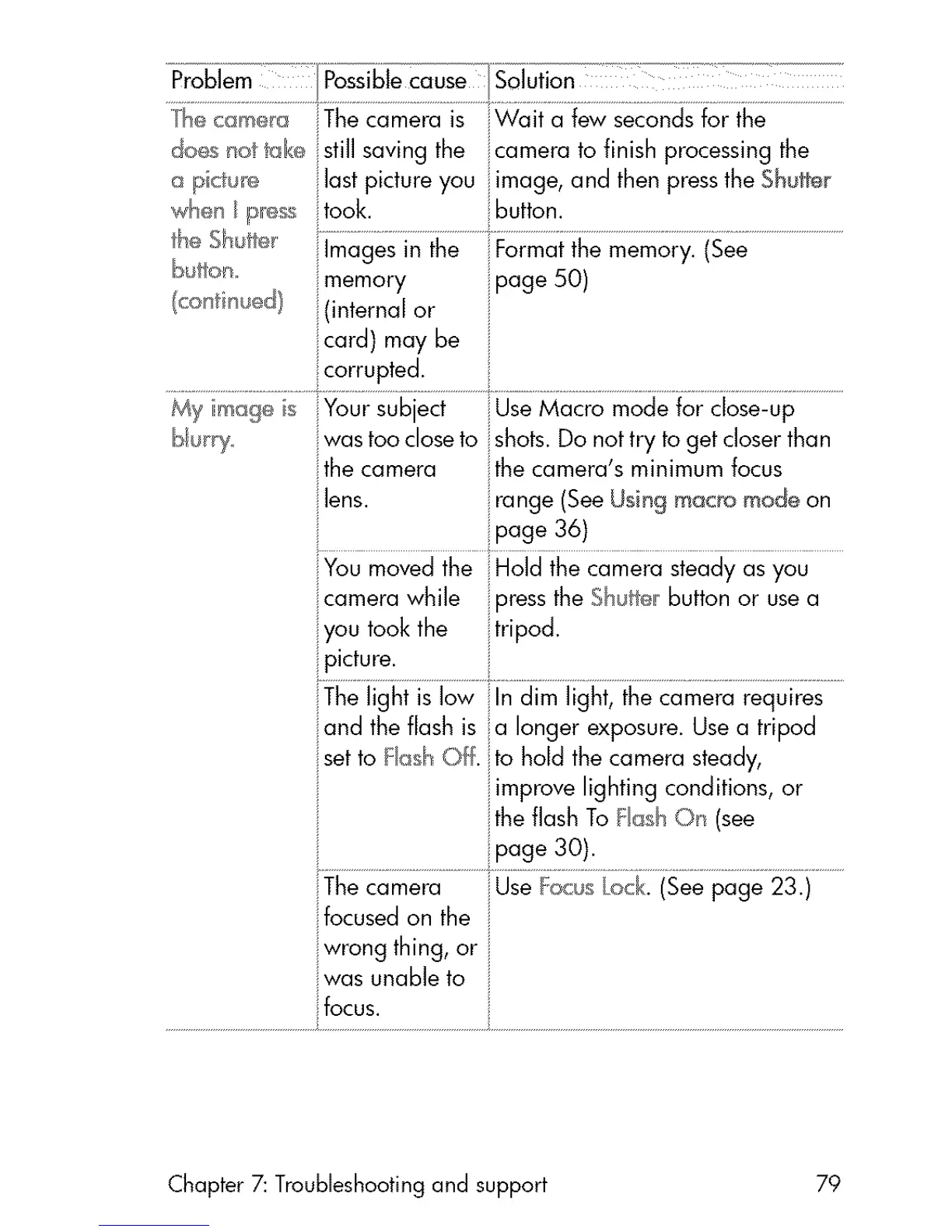
still saving the camera to finish processing the
last picture you image, and then pressthe Shutter
took. button.
im ge ......................................
memory page 50)
(internal or i
My imag_ s Your subject Use Macro mode for close-up
was too closeto shots. Do nottry toget closerthan
ilthecamera the camera's minimum focus
You movedthe iHold the camera steady as you
camera while iipressthe ShJtt_l!button or usea
you took the tripod.
.................................
iThelight is low iilndim light, the camera requires
and the flash is a longer exposure.Usea tripod
setto Fash Off. to hold the camera steady,
iimprove lighting conditions, or
jthe flash To Fash Oil (see
::page 30).
Thecamera iUseFoc;s Lock.(Seepage 23.)
focusedon the i
wrong thing, or i
was unable to
focus.
Chapter 7: Troubleshooting and support 79



 To Next Page