EasyManua.ls Logo

HP 8153A - Page 237

HP 8153A
282 pages
Print Icon
To Next Page IconTo Next Page
To Previous Page IconTo Previous Page
Loading...
Local
Control
Summary
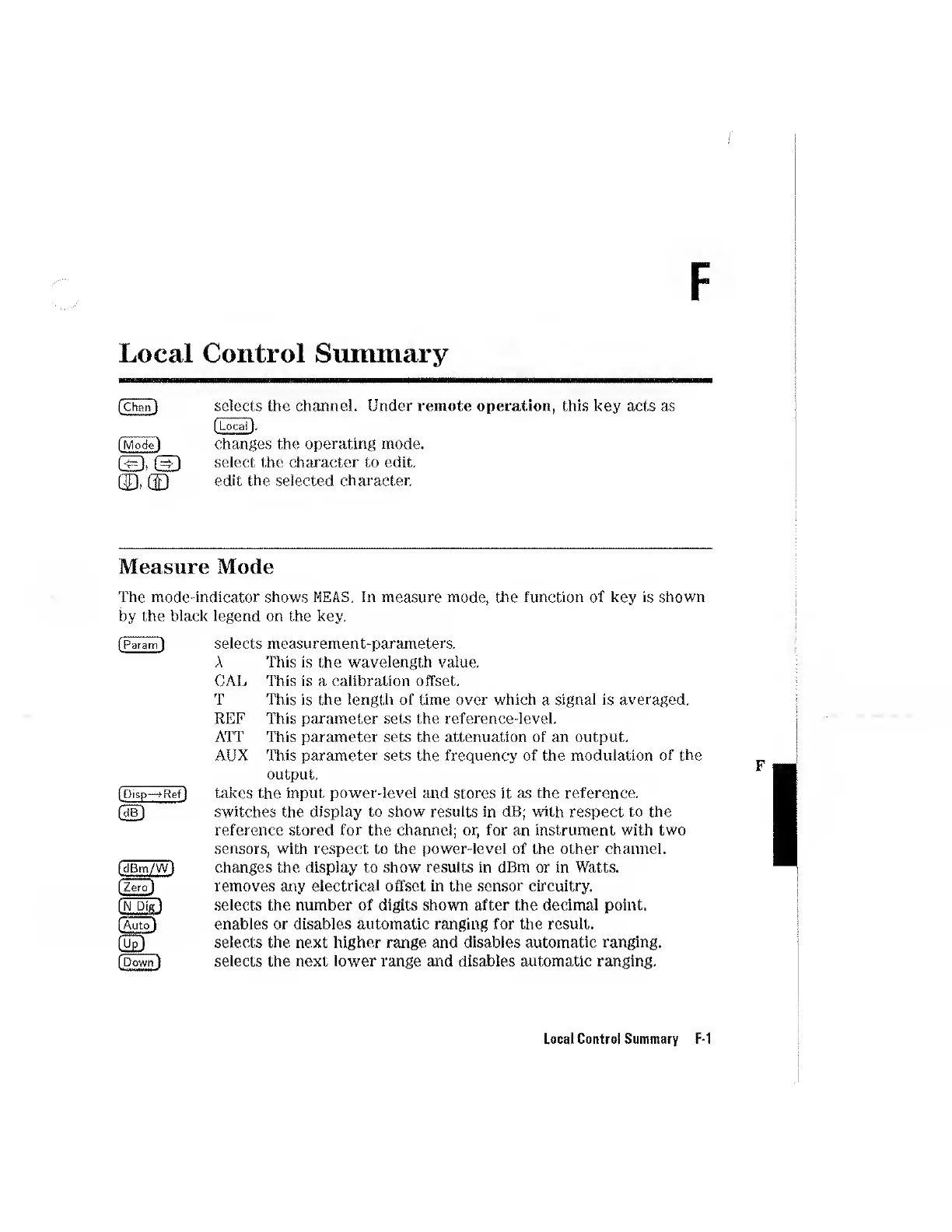
selects
the
channel.
Under
remote
operation,
this
key
acts
as
changes
the
operating
mode,
select
the
character
to
edit,
edit
the
selected
character.
Measure
Mode
The
mode-indicator
shows
ME
AS.
In
measure
mode,
the
function
of
key
is
shown
by
the
black
legend
on
the
key.
(Param
1
[Pisp—>Ref)
(cIBm/Wl
[Zero']
(Auto)
II
[Down]
selects
measurement-parameters.
A
This
is
the
wavelength
value.
CAL
This
is
a
calibration
offset.
T
This
is
the
length
of
time
over
which
a
signal
is
averaged.
REF
This
parameter
sets
the
reference-level.
ATT
This
parameter
sets
the
attenuation
of
an
output.
AUX
This
parameter
sets
the
frequency
of
the
modulation
of
the
output.
takes
the
input
power-level
and
stores
it
as
the
reference,
switches
the
display
to
show
results
in
dB;
with
respect
to
the
reference
stored
for
the
channel;
or,
for
an
instrument
with
two
sensors,
with
respect
to
the
power-level
of
the
other
channel,
changes
the
display
to
show
results
in
dBm
or
in
Watts,
removes
any
electrical
offset
in
the
sensor
circuitry,
selects
the
number
of
digits
shown
after
the
decimal
point,
enables
or
disables
automatic
ranging
for
the
result,
selects
the
next
higher
range
and
disables
automatic
ranging,
selects
the
next
lower
range
and
disables
automatic
ranging.
Local
Control
Summary
F-1