EasyManua.ls Logo

HP 8153A - Page 94

HP 8153A
282 pages
Print Icon
To Next Page IconTo Next Page
To Previous Page IconTo Previous Page
Loading...
The
System
Key
f
System)
sclects
the
parameter-set
for
modiflcation.
You
choose
a
parameter-set
(System)
or
[Prev)
.
(System)
acts
in
the
Same
Way
as
(Next)
.
The
current
application
is
displayed
in
the
character
field
of
the
current
channel.
Note
The
configuration
information
is
held
in
memory
until
the
next
time
you
specifically
modify
it.
It
is
not
affected
by
the
power
to
the
instrument
being
switched
off.
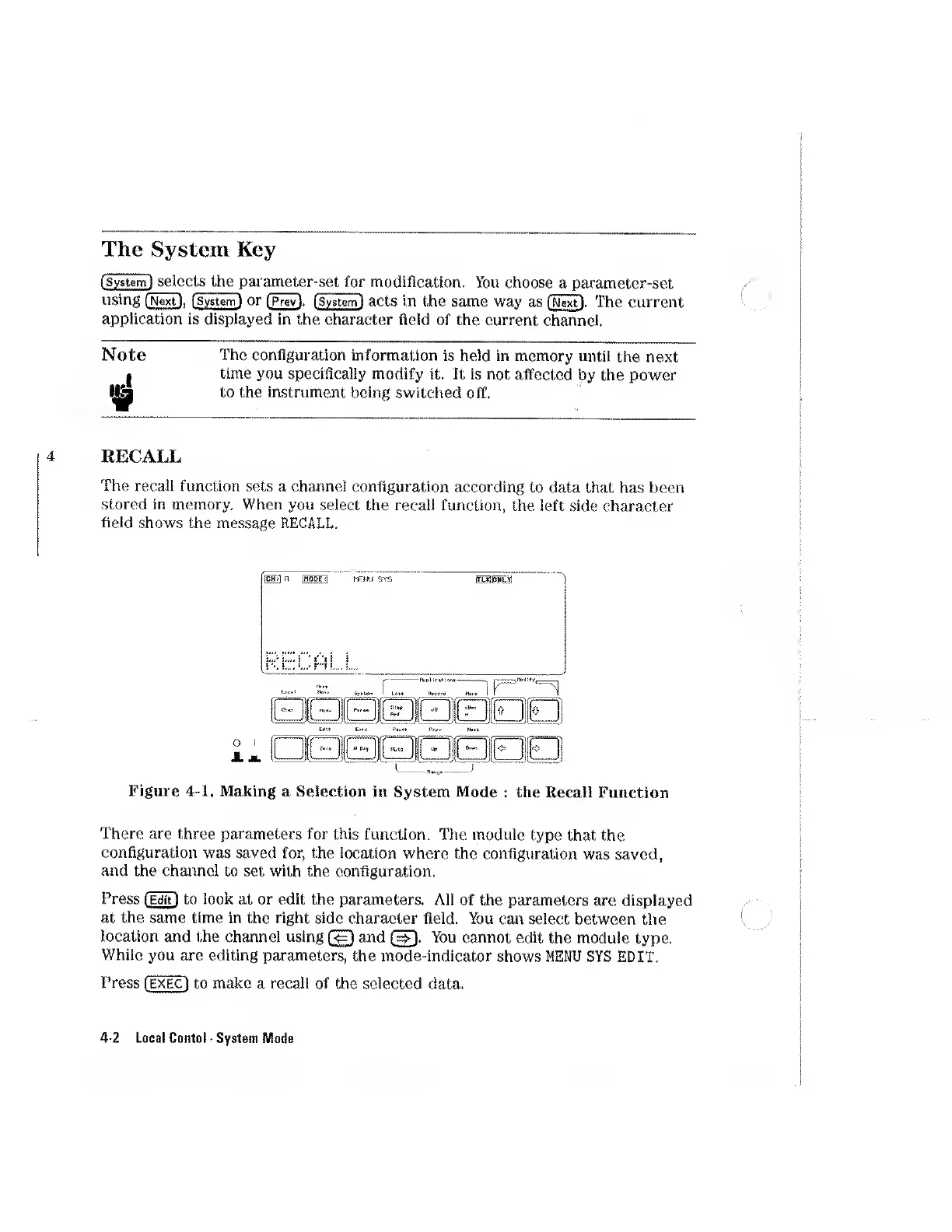
RECALL
The
recall
function
sets
a
channel
configuration
according
to
data
that
has
been
stored
in
memory.
When
you
select
the
recall
function,
the
left
side
character
field
shows
the
message
RECALL.
Figure
4-1.
Making
a
Selection
in
System
Mode
:
the
Recall
Function
There
are
three
parameters
for
this
function.
The
module
type
that
the
configuration
was
saved
for,
the
location
where
the
configuration
was
saved,
and
the
channel
to
set
with
the
configuration.
Press
(Editl
to
look
at
or
edit
the
parameters.
All
of
the
parameters
are
displayed
at
the
same
time
in
the
right
side
character
field.
You
can
select
between
the
location
and
the
channel
using
and
(
3
.
You
cannot
edit
the
module
type.
While
you
are
editing
parameters,
the
mode-indicator
shows
MENU
SYS
EDIT.
Press
[EXEC]
to
make
a
recall
of
the
selected
data.
4-2
Local
Contol
-
System
Mode

Other manuals for HP 8153A

Related product manuals