4
Ethernet OAM configuration
Ethernet OAM overview
Background
Ethernet, because of its ease of use and low price, has become the major underlying technology for local
area networks (LANs). With the emergence of Gigabit Ethernet and 10-Gigabit Ethernet, Ethernet is
gaining popularity in metropolitan area networks (MANs) and wide area networks (WANs) as well,
increasing the need for an effective management and maintenance mechanism for Ethernet. This makes it
urgent to implement Operation, Administration and Maintenance (OAM) on Ethernet networks.
As a tool monitoring Layer 2 link status, Ethernet OAM mainly addresses common link-related issues on
the “last mile.” When you enable Ethernet OAM on two devices connected by a point-to-point link, you
can monitor the status of the link.
Major functions of Ethernet OAM
Ethernet OAM is an effective tool for management and maintenance of Ethernet networks, helping to
ensure network stability. It includes the following major functions:
Link performance monitoring—Monitors the performance indices of a link, including packet loss,
delay, and jitter, and collects traffic statistics of various types
Fault detection and alarm—Checks the connectivity of a link by sending OAM protocol data units
(OAMPDUs) and reports to the network administrators when a link error occurs
Remote loopback—Checks link quality and locates link errors by looping back OAMPDUs
Ethernet OAMPDUs
Ethernet OAM works on the data link layer. Ethernet OAM reports the link status by periodically
exchanging OAMPDUs between devices so that the administrator can effectively manage the network.
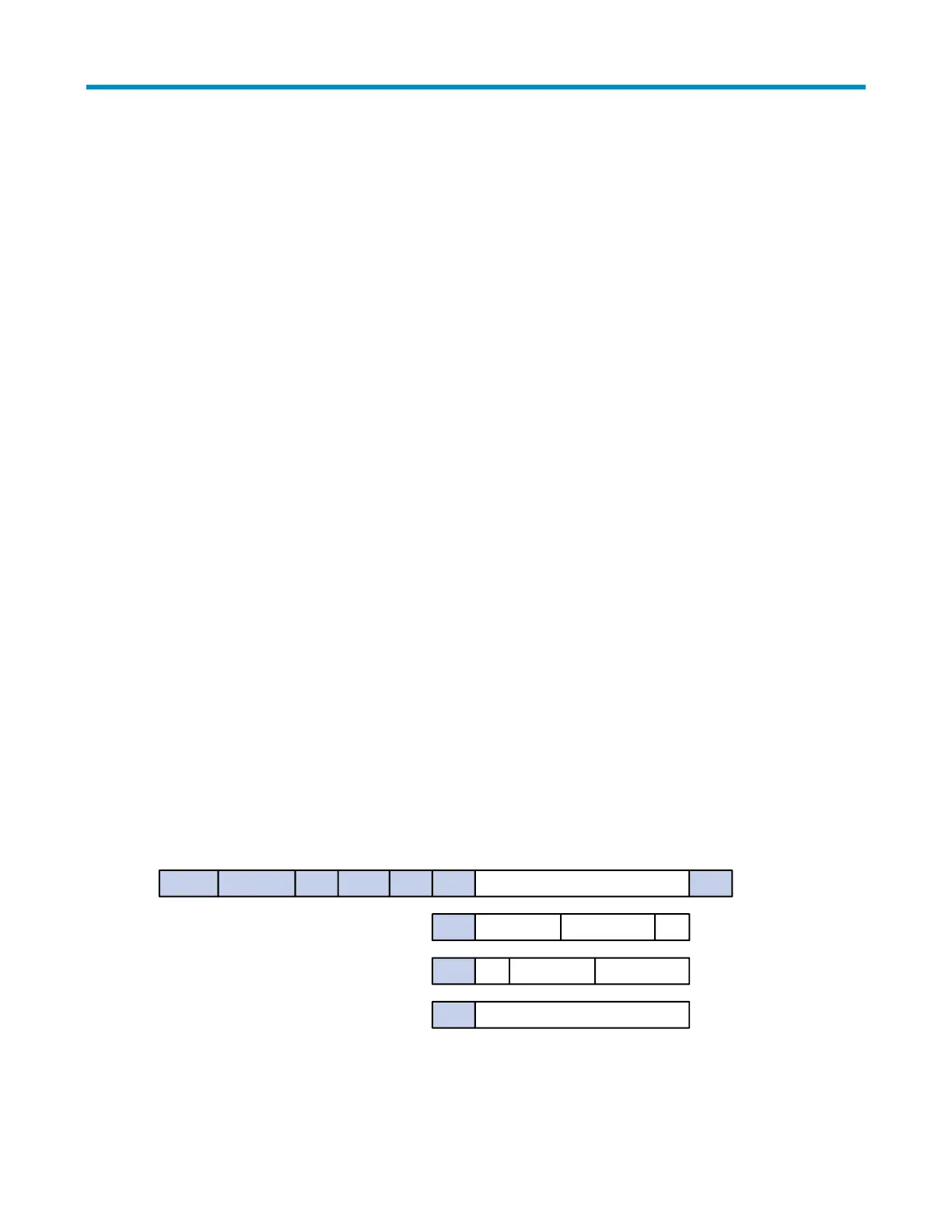
Figure 1 Formats of different types of Ethernet OAMPDUs
Dest addr
6
Source addr Type Subtype Flags Code Data/Pad CRC
0x00 Local info TLV Remote info TLV ...
12126 42 to 1496 4
Information OAMPDU
Event notification OAMPDU
Loopback control OAMPDU
0x01
0x04
seq Link event TLV
Loopback command
...



 To Next Page