Removing and replacing an expansion board
Procedure
1. Remove the I/O module (Removing and replacing the I/O module on page 31).
2. Disconnect the cables connected to the expansion board option.
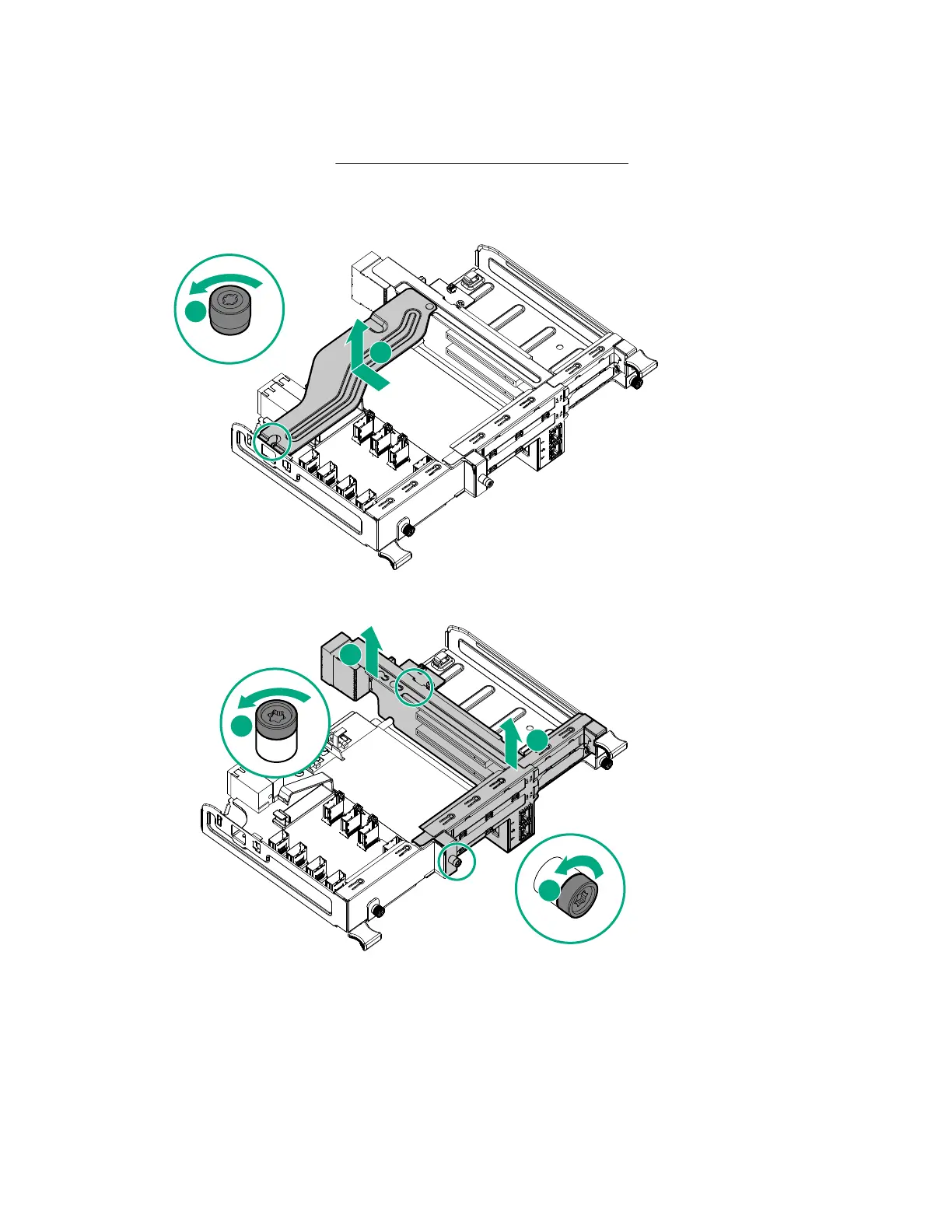
3. Remove the support bracket from the I/O module.
4. Remove the riser assembly from the I/O module.
5. Remove the expansion board option from the PCIe expansion slot.
32 Removing and replacing an expansion board


 To Next Page
 Loading...