TouchPad
Component Description
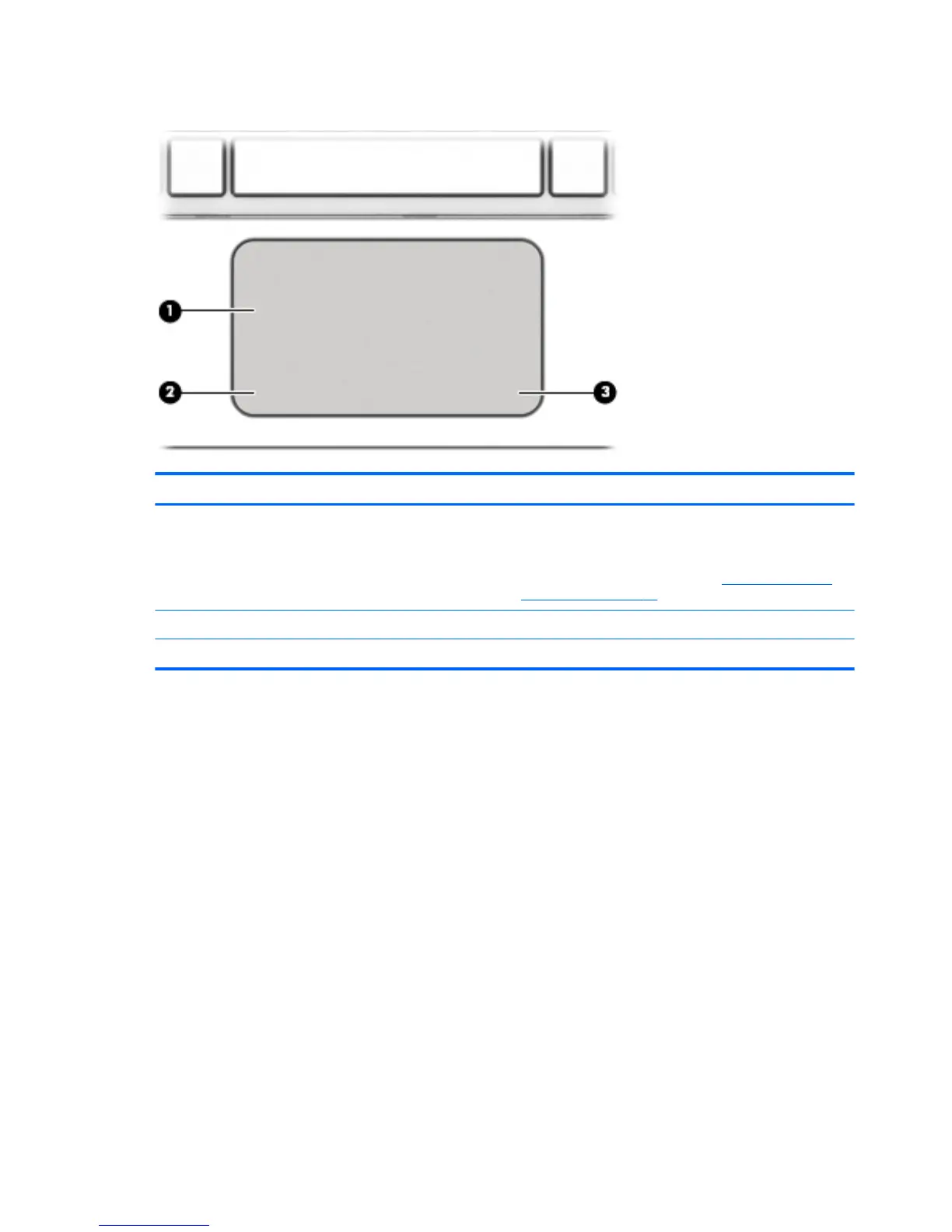
(1) TouchPad zone Reads your finger gestures to move the pointer or activate
items on the screen.
NOTE: The TouchPad also supports edge-swipe
gestures. For more information, see Edge swipes (select
models only) on page 34.
(2) Left TouchPad button Functions like the left button on an external mouse.
(3) Right TouchPad button Functions like the right button on an external mouse.
10 Chapter 2 Getting to know your computer


 To Next Page
 Loading...