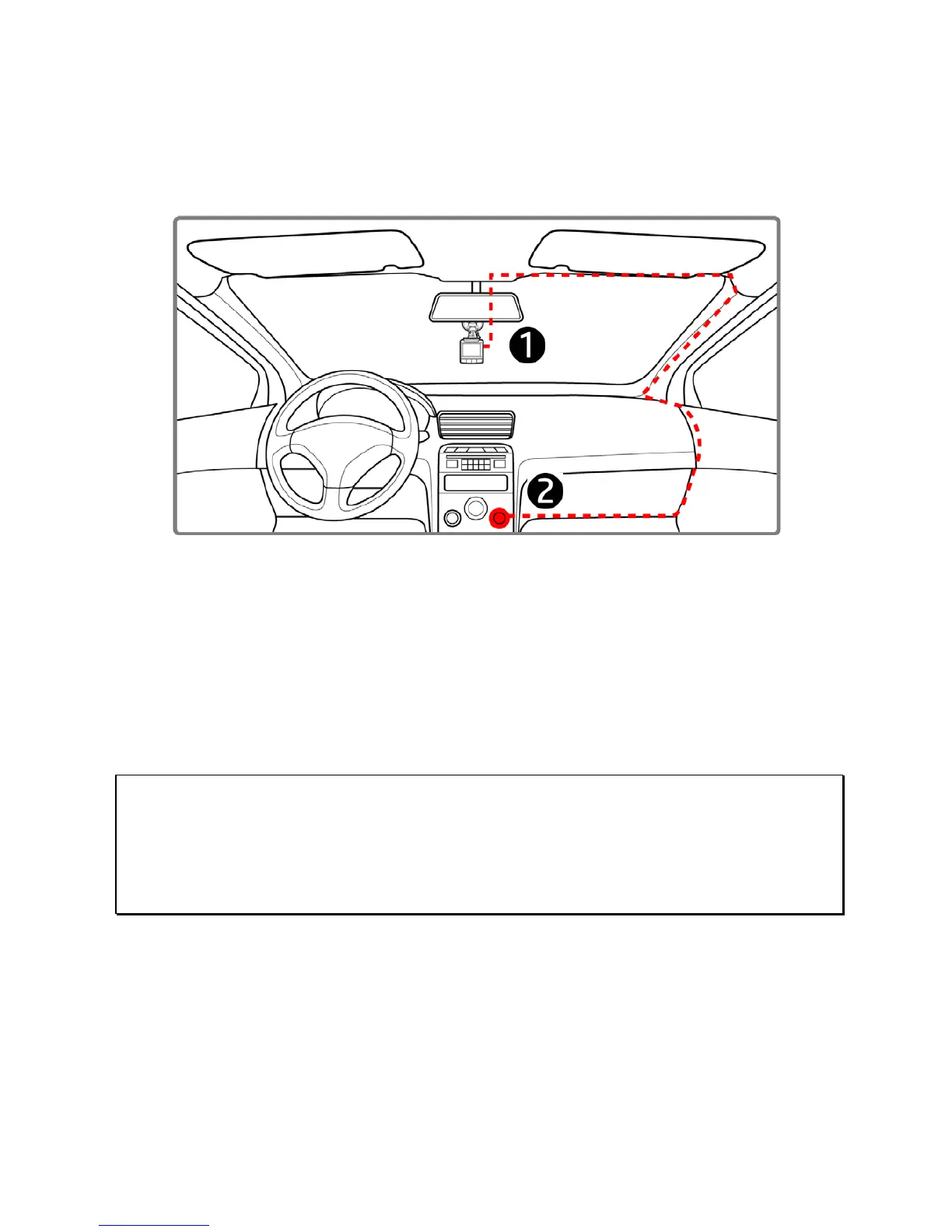
2.3 Connecting to Power
Use only the supplied car adapter to power up the device and charge the
built-in battery.
1. Connect one end of the car adapter to the USB connector of the
camcorder.
2. Plug the other end of the car charger to the cigarette lighter socket
of your vehicle. Once the vehicle engine is started, the camcorder
automatically powers on.
Note:
1. The orange LED lights up while the battery is charging.
2. Please take note if the environment temperature reaches 45°C or above, the car adapter still can
supply power to camcorder, but it may not charge the battery. This is characteristic of Lithium
polymer battery and is not a malfunction.



 To Next Page