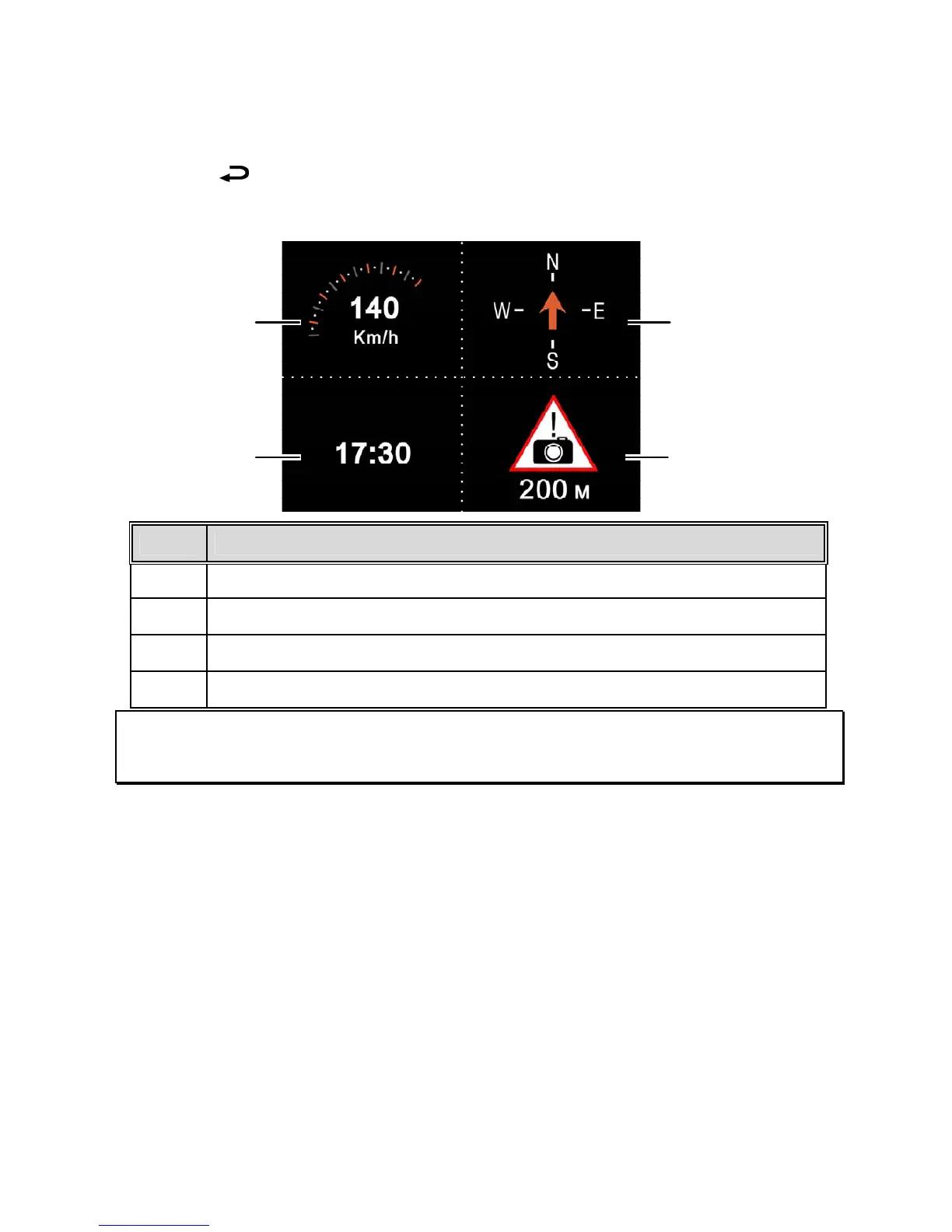
3.1.7 4 GRID FUNCTION DISPLAY in the LCD screen
Push the button when recording to switch to the 4 GRID FUNCTION
DISPLAY on the LCD screen.
No.
Item
1 Approximate current driving speed
2 Time
3 Approximate compass driving direction
4 Estimated distance warning to the speed camera set points
Note:
The driving speed and driving direction will grayed out if GPS has no signal.
4
2
1
3



 To Next Page