5 Installing the Software
1. Place the CD disc bundled with the car camcorder in your PC/Laptop
optical drive.
2. If the CD does not execute automatically, please use Windows File
Manager to execute the Install_CD.exe file in the CD.
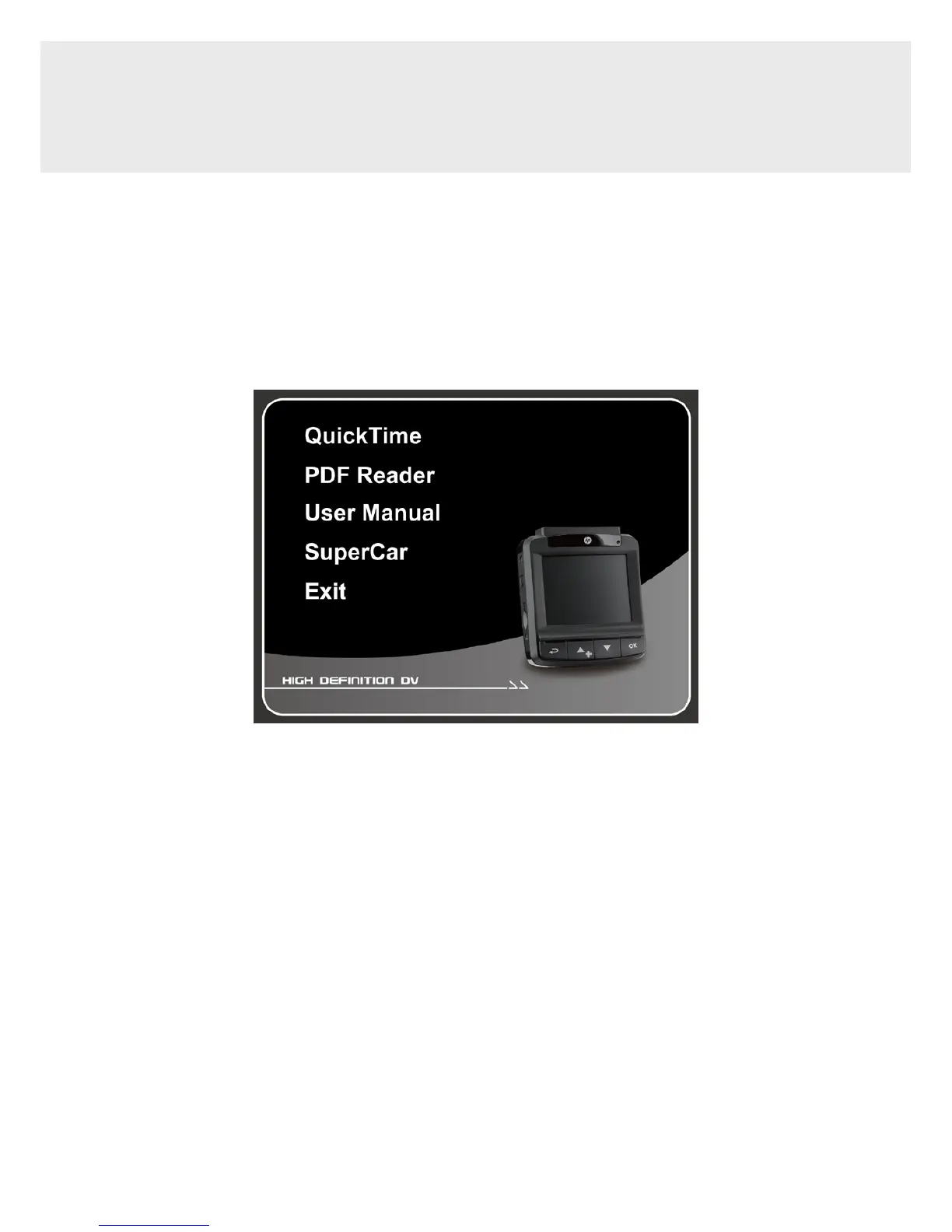
The following screen will be displayed.
3. Select the desired [Menu] item to start the installation process
according to the instructions on-screen.



 To Next Page