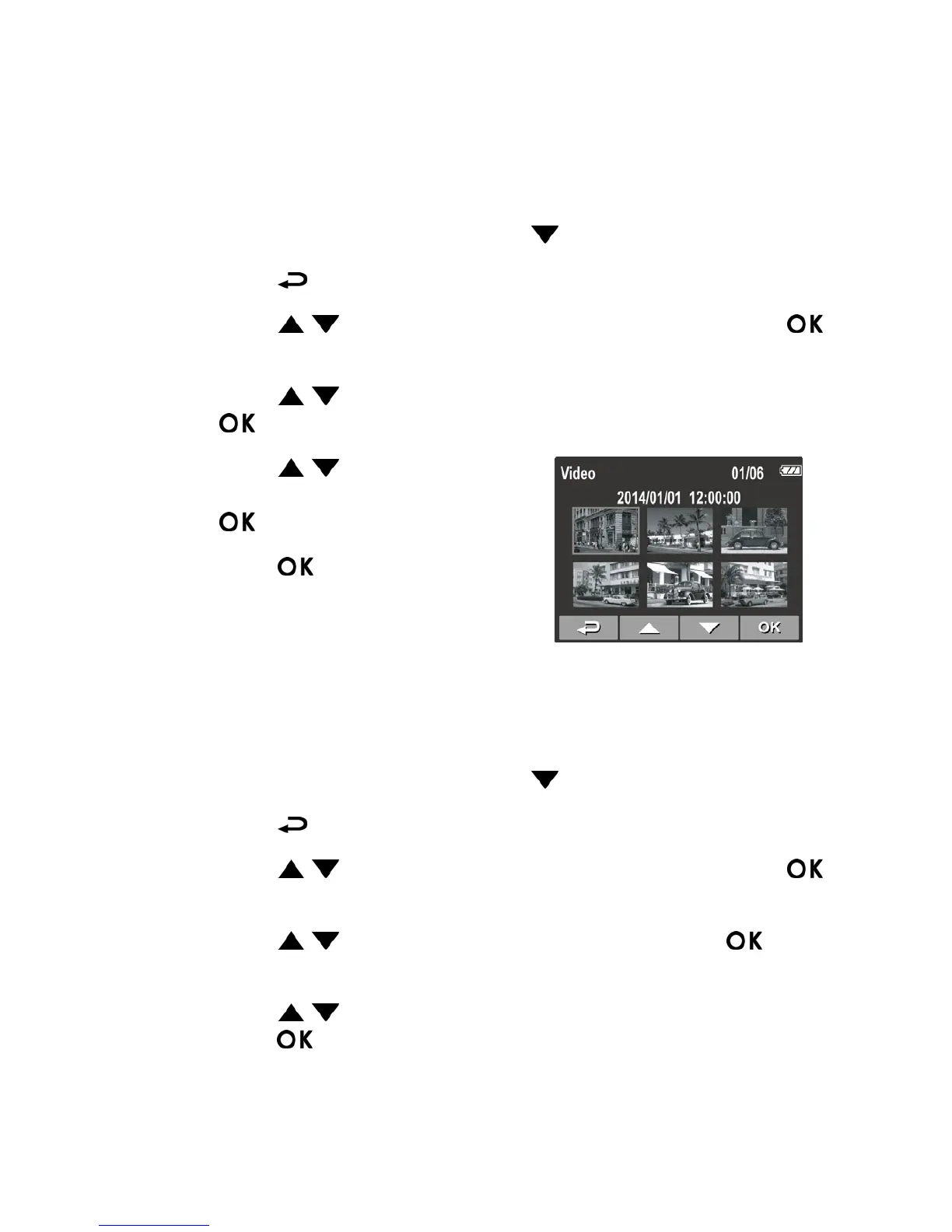
3.2.1 Playing Videos
To play videos, do the following:
1. If recording is in progress, press the
button to stop recording.
2. Press the
button to enter the OSD menu.
3. Press the
/ button to select File Playback and press the
button.
4. Press the
/ button to select Video or Emergency and press
the
button.
5. Press the
/ button to browse
for the desired video file and press
the
button to play the video.
6. Press the
button to pause the
playback. Press it again to resume.
3.2.2 Viewing Photos
To view photos, do the following:
1. If recording is in progress, press the
button to stop recording.
2. Press the
button to enter the OSD menu.
3. Press the
/ button to select File Playback and press the
button.
4. Press the
/ button to select Picture and press the
button.
5. Press the
/ button to browse for the desired photo file and
press the
button to view the file in full screen.



 To Next Page