16
3.2 GPS (Option)
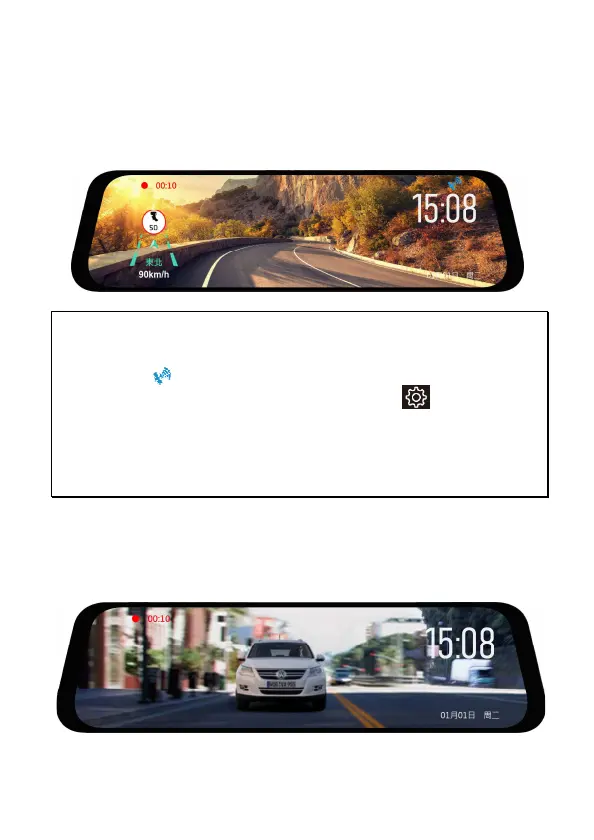
Plug the optional GPS accessory into GPS port on the camcorder. Once
activate the GPS function, you can preview current car speed, speed cam
ahead, and direction such information.
Note:
1. GPS function is limited in certain areas. Please contact dealer for details.
2. Once activate the GPS function, when GPS is positioned, the icon will change from
white to blue .
3. If GPS broadcast is not working, please check Menu Setting . Make sure you
turn on “GPS Broadcast”.
4. Fixed speed cam alert is with white circle icon; regional speed cam alert is with
yellow circle icon.
5.Speed cam alert is for reference only. It’s not 100% accurate. Drivers are advised to
follow the rules of road.
3.3 Rear Camera (Option)
Please power off the camcorder firstly, then plug the optional rear
camera into AV port on the camcorder.



 To Next Page