17
Note:
1. Preview image can be set as Front cam, Rear cam or Dual cam.
2. Rear camera doesn’t support hot plug-n-play. Please power off the main camcorder
before plug into rear camera.
3. Tap icon to switch main camcorder and rear camera preview image.
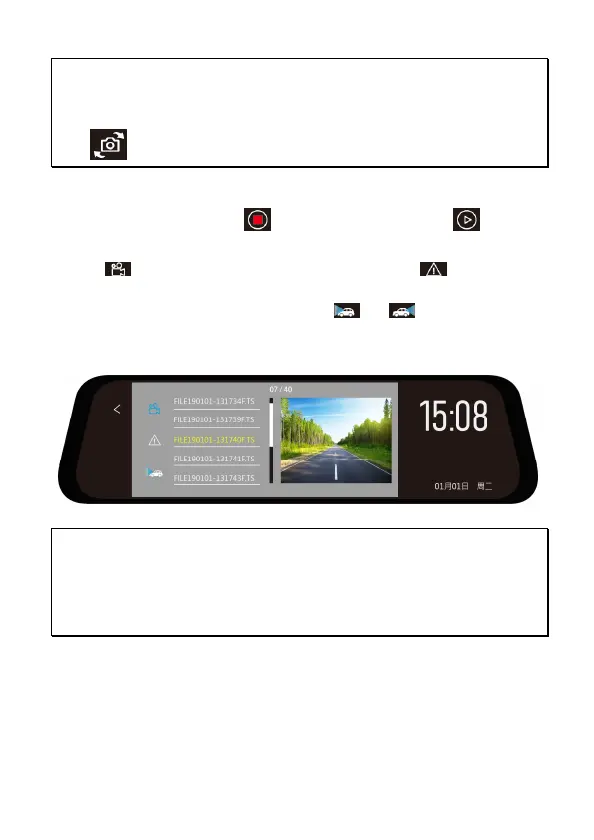
3.4 File Playback
In the recording screen, tap to stop recording and tap to
enter playback option.
1. Tap to choose Normal recorded file list, or tap to choose
Event recorded file list for playback.
2. If optional rear camera is installed, tap or to switch front or
rear camera file list.
3. When recorded file is playback, tap the icons below video to
lock/unlock, fast rewind, play/pause, fast forward, or delete the file.
Note:
1. Deleted files CANNOT be recovered. Ensure the files you wish to preserve are
backup before deletion.
2. Use dual camera recording, no matter you delete the FRONT file or BACK file, the
other one will still exist and able to playback.



 To Next Page