20
4. Adjust the Settings
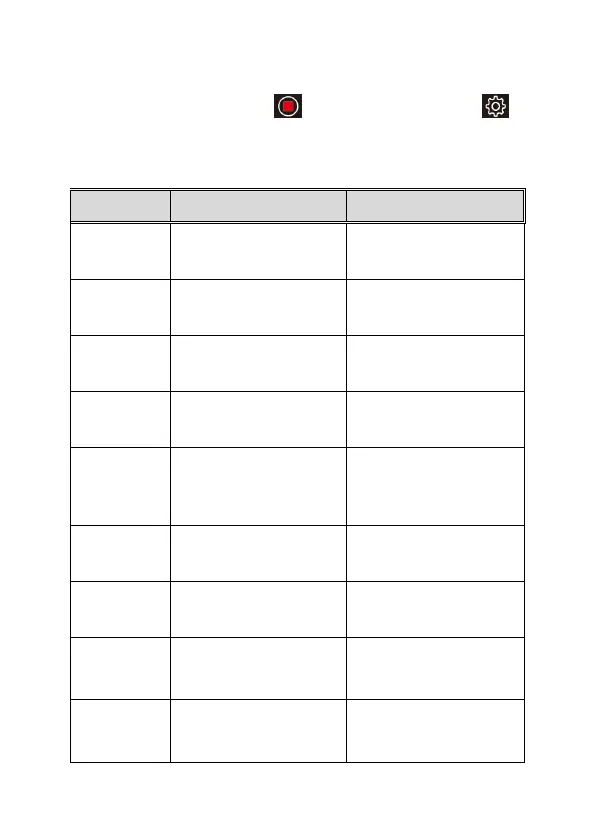
In recording preview screen, tap to stop recording and tap
to
enter menu setting.
Refer to the below table for details on menu items and available menu
options.
Menu Description Available option
Resolution Setting of video resolution
1080p / 720p
Interval Time
Set the recording duration
for each recorded video file
1 / 2 / 3 min
Sound
Record
Enable/disable the voice
recording
On / Off
Display Mode To set up preview image
Front cam / Rear cam / Dual
cam
Parking
Mode
To set up recording time
when car parks and engine
off.
*Subject to install ACC
Off / 12h / 24h
Date/Time
Setting
Set the date and time
Language
Set the on-screen display
menu language
Simplified Chinese /
Traditional Chinese /
English
Flicker
According to local
electronic power spec, set
up correct frequency to
60Hz/50Hz
LCD Power
Save
Set up LCD auto off time.
Choose “Off”, the LCD will
be always on. Choose
Off / 1min / 3min



 To Next Page