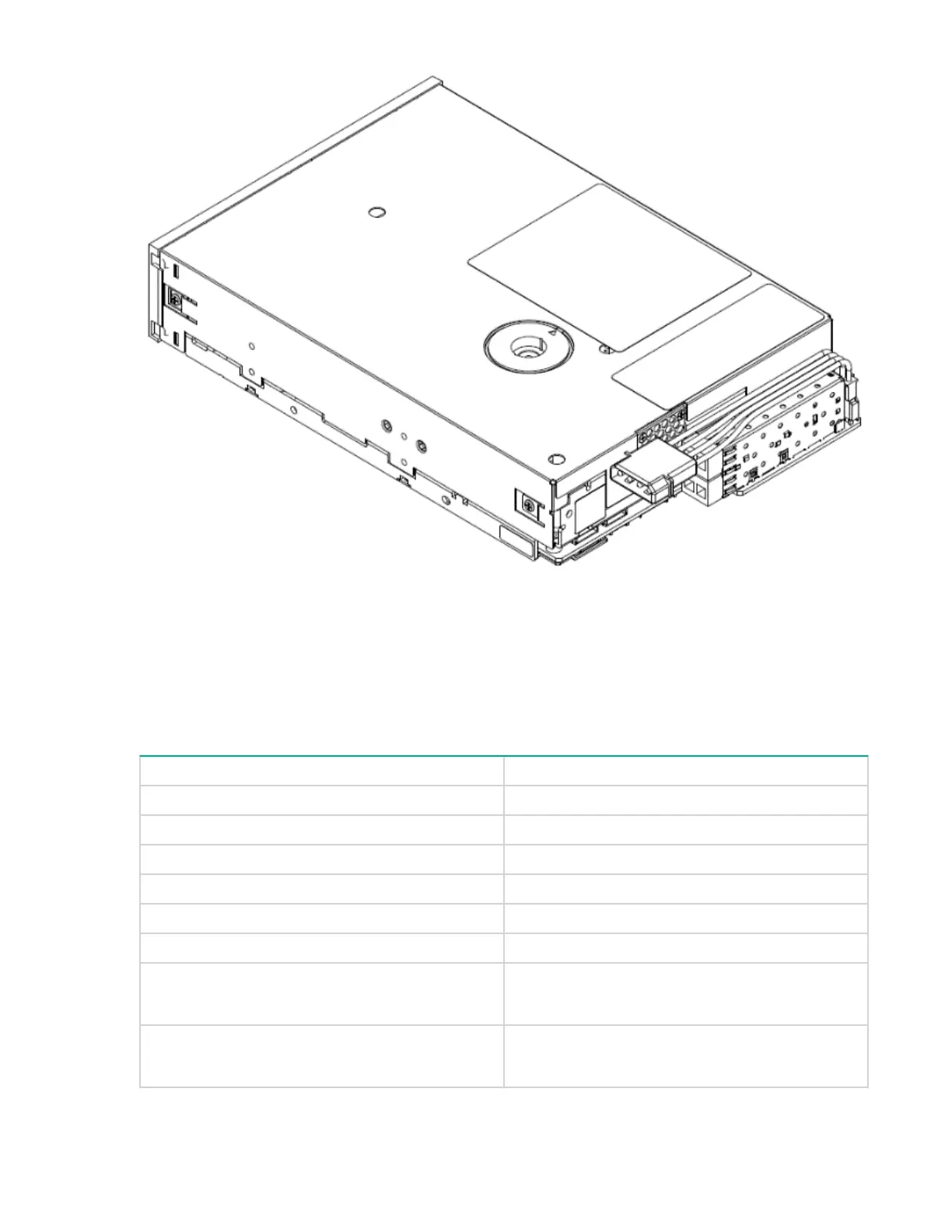
Figure 5: Half-height drive view — FC power connector installed
Ethernet connector pin-out
The tape drive requires a connecting interface cable to communicate through Ethernet on a standard
RJ-45 connection. The following is the pin-out for that connection:
Table 7: Pin-out for Ethernet
Tape drive connector J42 Ethernet jack
Position 1 Activity + yellow LED
Position 2 Activity + yellow LED
Position 3 Pin 1 Tx+
Position 4 Pin 2 Tx+
Position 5 Pin 3 Rx+
Position 6 Pin 6 Rx-
Position 7 Link LED + green
Link LED + orange
Position 8 Link LED + green
Link LED + orange
Table Continued
28 Ethernet connector pin-out


 To Next Page
 Loading...