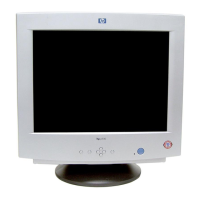
HP 19” Color Monitor User’s Guide
Adjusting Your Monitor
18 EnglishEnglish
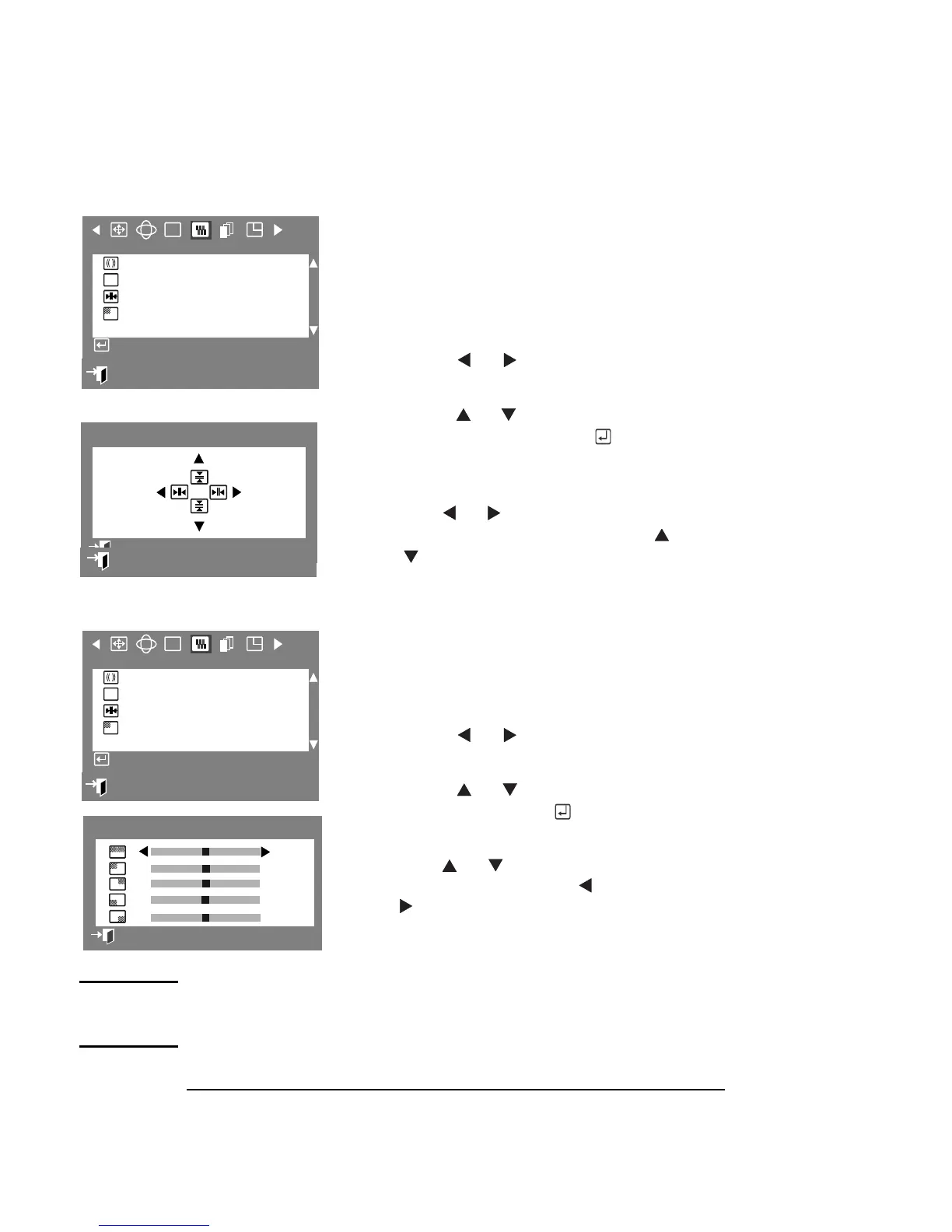
CONVERGENCE
Convergence refers to the alignment of the
red, green and blue color signals that affect
picture clarity. The Convergence parameter
allows you to control the color signals.
1
Press the Menu button.
2 Press the or buttons to display
the Screen OSD.
3
Press the or buttons to highlight
Convergence, then press the button
to display the Convergence adjustment
OSD.
4
Use the or buttons for horizontal
convergence adjustments. Use the
or buttons for vertical convergence
adjustments.
PURITY
The Purity parameter allows you to adjust
the color purity of the picture.
1 Press the Menu button.
2
Press the or buttons to display
the Screen OSD.
3 Press the or buttons to select
Purity,
, ,
, then press the button to
display the Purity adjustment OSD.
6 Use the or buttons to select the
adjustment area, and the button
or buttons to perform the
adjustment.
NOTE If you are attempting to adjust purity in the center
(top/bottom), you should adjust using Menu first and then
adjust each corner accordingly.
:
Exit
RGB
F
Screen
Clear Moiré
Focus
Convergence
Purity
Access Function
:
65
70
Convergence
Previous Menu
: Previous Menu
:
Exit
RGB
F
Screen
Clear Moiré
Focus
Convergence
Purity
Access Function
50
50
50
50
50
Purity
Previous Menu



 To Next Page