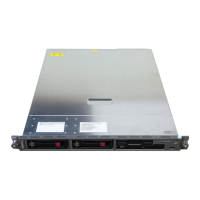
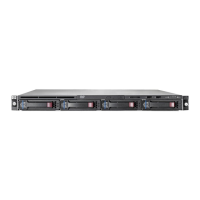
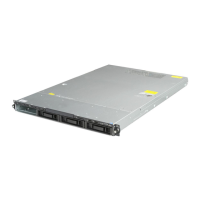
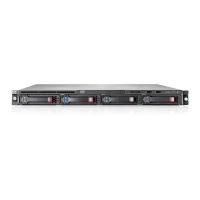
Connectors, Switches, and LED Indicators
Table 4-6: Front Panel LEDs continued
Item LED Description Status
3 NIC 1 link/activity On = Link
Off = No link
Blinking = Activity
4 System health Green = Good
Amber = Degraded
Red = Critical error
5 Hard drive activity On = Activity
Off = No activity
6 Power On/Off Green = Power on
Amber = Standby
Off = Power off
7 Optical drive activity On = Activity
Off = No activity
4-8 HP ProLiant DL320 Generation 2 Server Maintenance and Service Guide



 To Next Page
 Loading...