Removal and replacement procedures 32
8.
Remove the rubber stopper from the sensor cable.
To replace the component, reverse the removal procedure.
System fan
To remove the component:
1. Press the Power On/Standby button.
The server powers down and enters standby mode. The system power LED changes from green to
amber. Power is still applied to the server.
2. Disconnect the power cord from the power source.
3. Disconnect the power cord from the server.
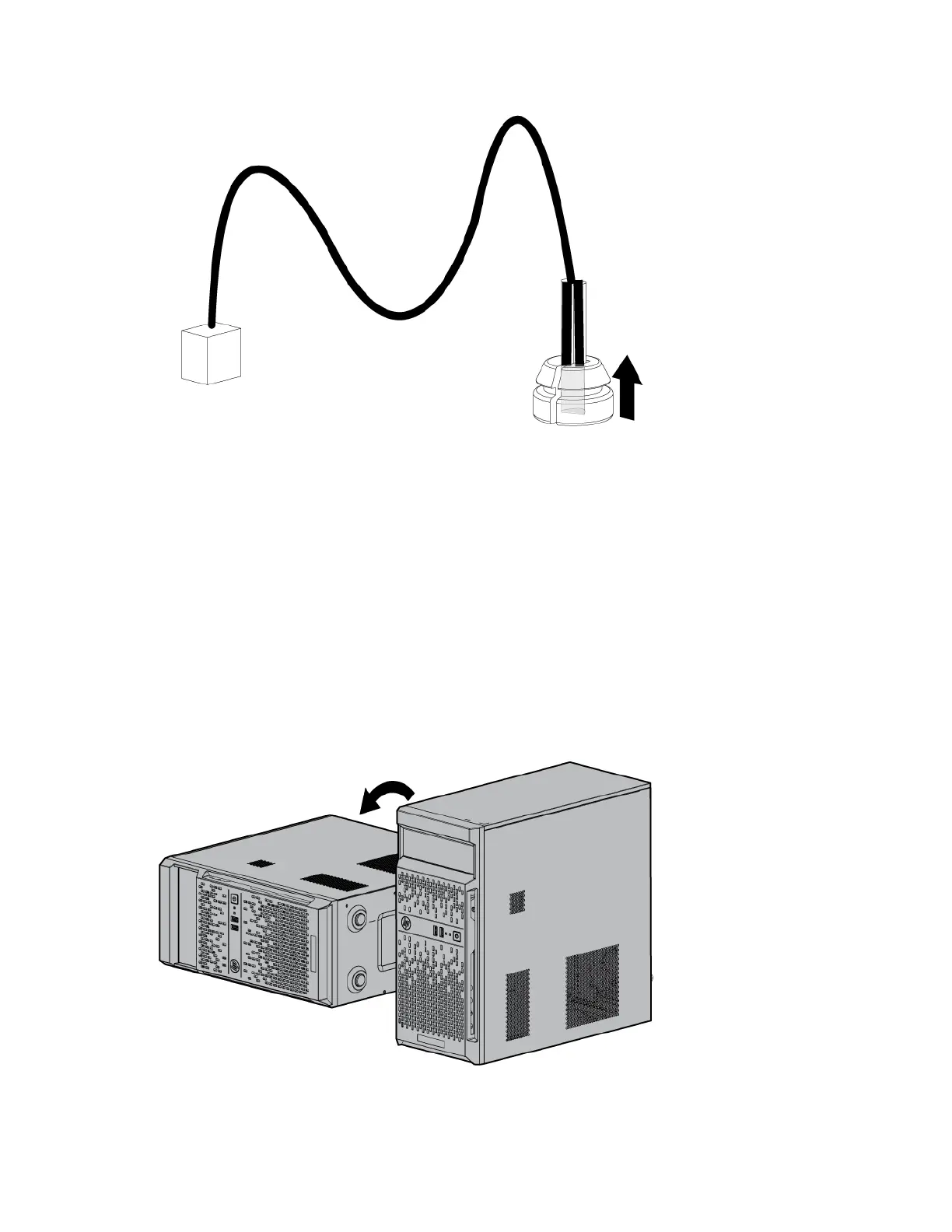
4. Place the server on its side.
5. Remove the access panel (on page 23).


 To Next Page
 Loading...