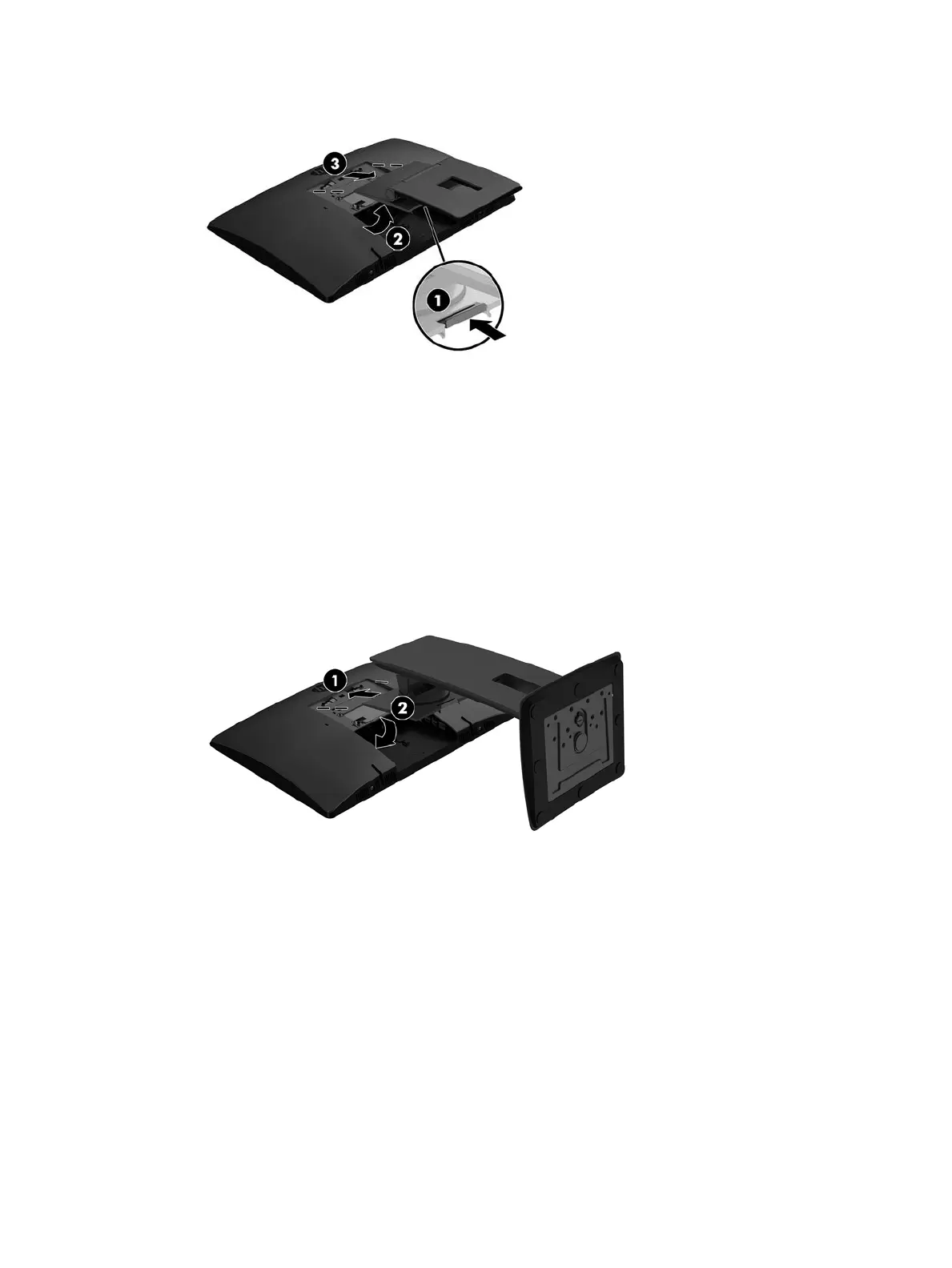
7. Lift the stand up (2), and then pull the stand hooks out of the computer (3).
Attaching and removing an adjustable height stand
Attaching an adjustable height stand
To install the stand:
1. Place the computer face down on a soft at surface. HP recommends that you set down a blanket, towel,
or other soft cloth to protect the bezel and screen surface from scratches or other damage.
2. Engage the hooks in the top of the stand in the two large holes in the upper part of the back of the
computer (1).
3. Rotate the stand down until it clicks into place (2).
Attaching and removing a stand 21








 To Next Page