Chapter 3 Installation Guidelines
16
Work Surface/Keyboard
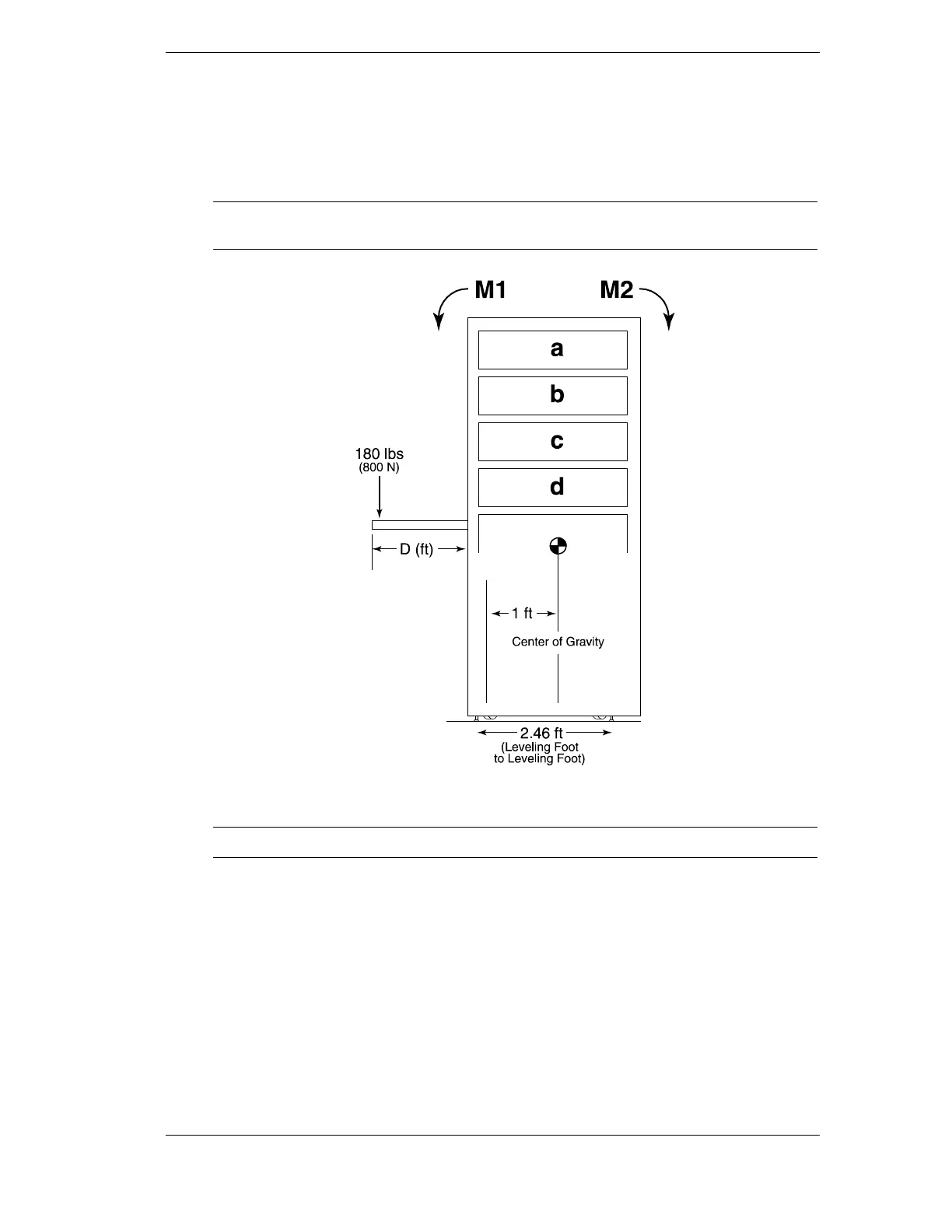
To reduce the risk of rack instability when using a work surface or keyboard mounting kit, as
illustrated in Figure 3-6, use the following worksheet to determine the need for additional
counterweight. If there are no work surfaces or keyboard mounting kits in the rack, this
worksheet can be ignored.
NOTE No slider products may be withdrawn or extended at the same time the work
surface is in use.
Figure 3-6. Moment Illustration for Work Surface / Keyboard
NOTE Always ensure leveling feet have been deployed.



 To Next Page