For more information, see the lock documentation.
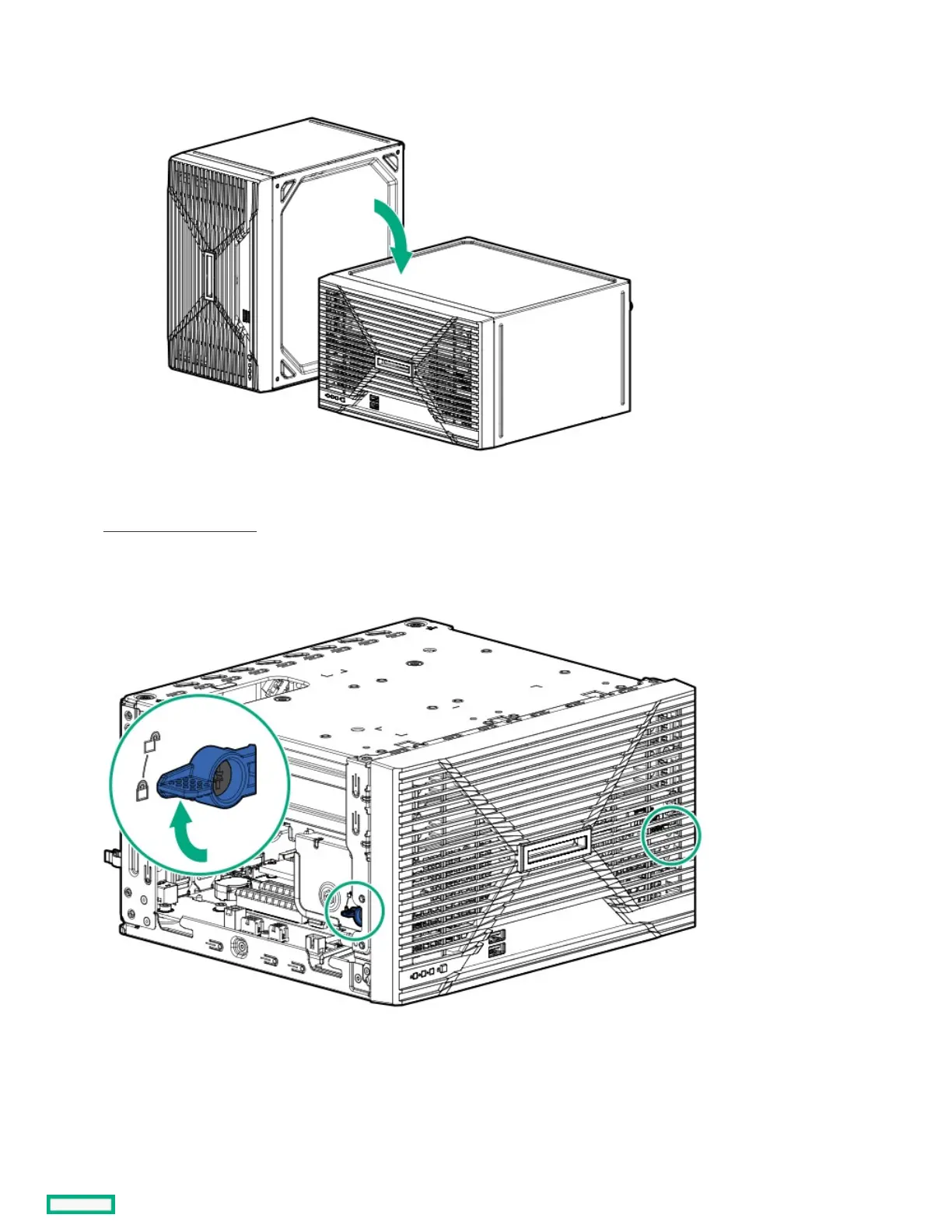
6. If the server is in a vertical orientation, position the server in a horizontal orientation.
7. If the front bezel is locked, do the following:
a. Remove the chassis cover .
b. Switch the bezel locks upward.
8. To remove an unlocked front bezel, do the following:
a. Pivot the bottom part of the bezel upward.
b. Release the bezel tabs from their chassis openings.













 To Next Page