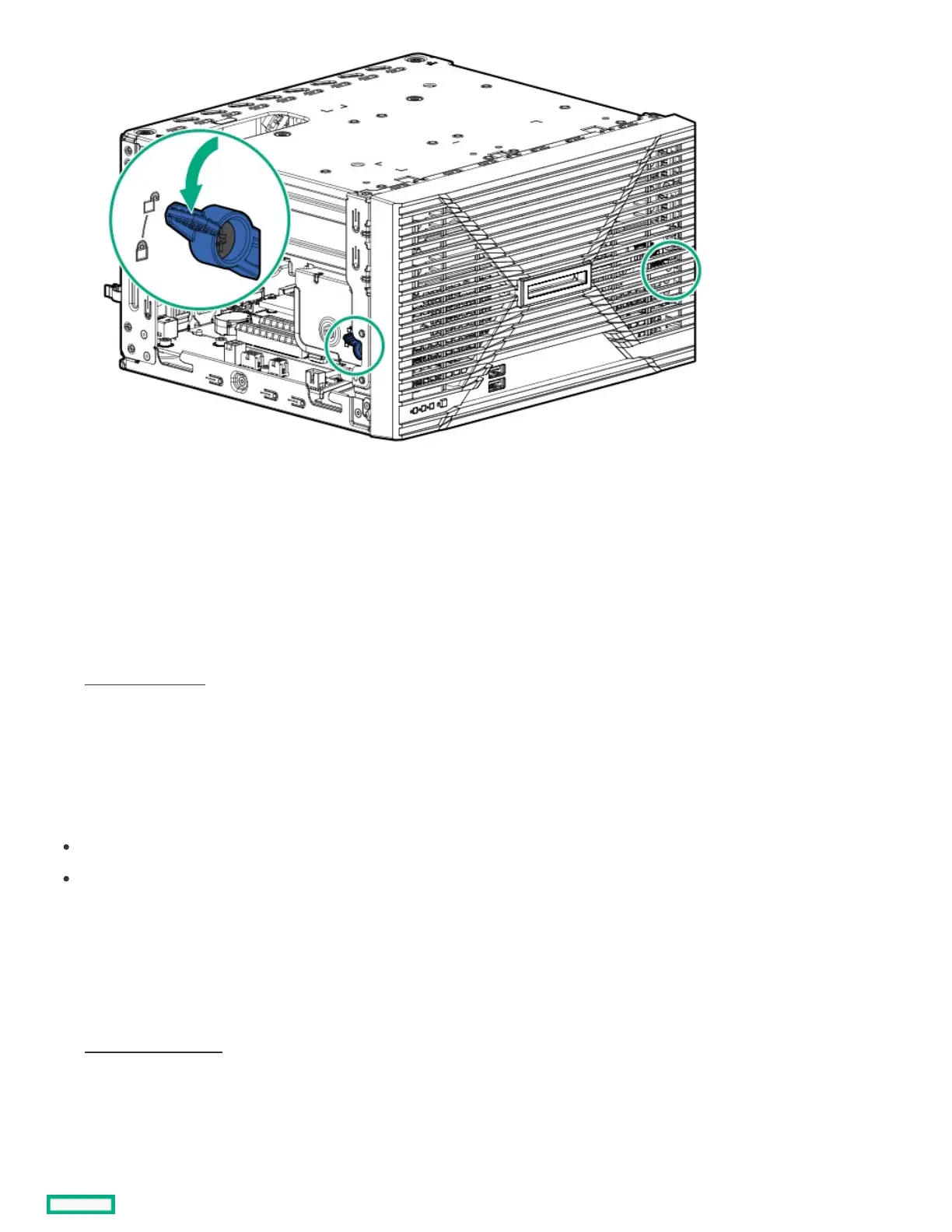
4. Install the chassis cover.
5. If removed, install the security padlock and/or the Kensington security lock.
For more information, see the lock documentation.
6. Connect all peripheral cables to the server.
7. Connect the power adapter to the server, and then secure the power adapter cord in the power cord clamp.
8. Connect the power cord to the AC source.
9. Power up the server.
Power up the serverPower up the server
ProcedureProcedure
Press the Power On/Standby button.
Use the virtual power button through iLO.
Removing and replacing the front bezelRemoving and replacing the front bezel
ProcedureProcedure
1. Power down the server.
2. Disconnect the power cord from the AC source.
3. Remove the power adapter cord from the power cord clamp, and then disconnect the power adapter from the server.
4. Disconnect all peripheral cables from the server.
5. If installed, unlock and remove the security padlock and/or the Kensington security lock.













 To Next Page