3. Disconnect the power cord from the AC source.
4. Remove the power adapter cord from the power cord clamp, and then disconnect the power adapter from the server.
5. Disconnect all peripheral cables from the server.
6. If installed, unlock and remove the security padlock and/or the Kensington security lock.
For more information, see the lock documentation.
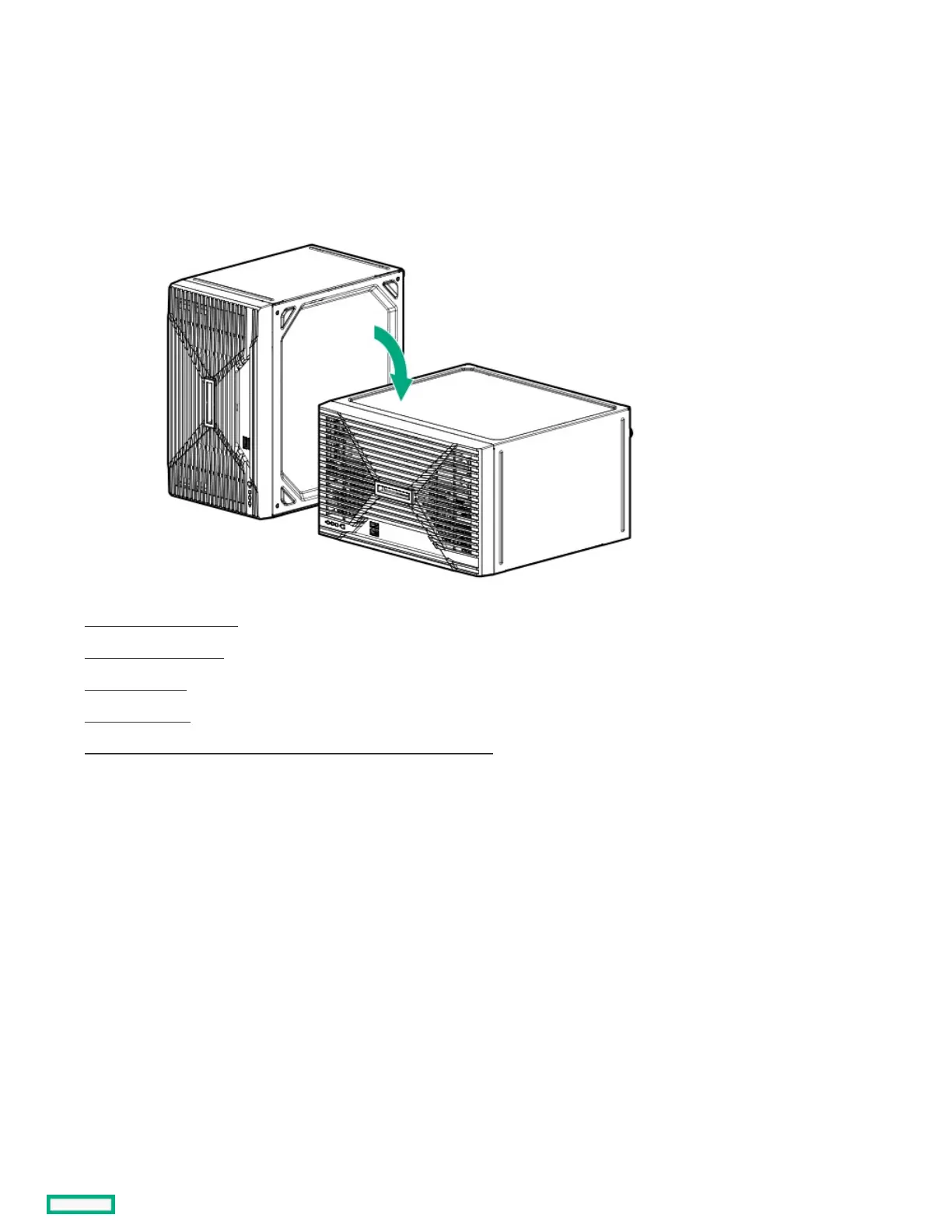
7. If the server is in a vertical orientation, position the server in a horizontal orientation.
8. Remove the chassis cover .
9. Remove the front bezel.
10. Open the chassis .
11. Remove all drives.
12. Disconnect the four-bay drive cable assembly from the system board .
13. Remove the four-bay drive cable assembly:
a. Remove the four-bay drive cable assembly screws.













 To Next Page