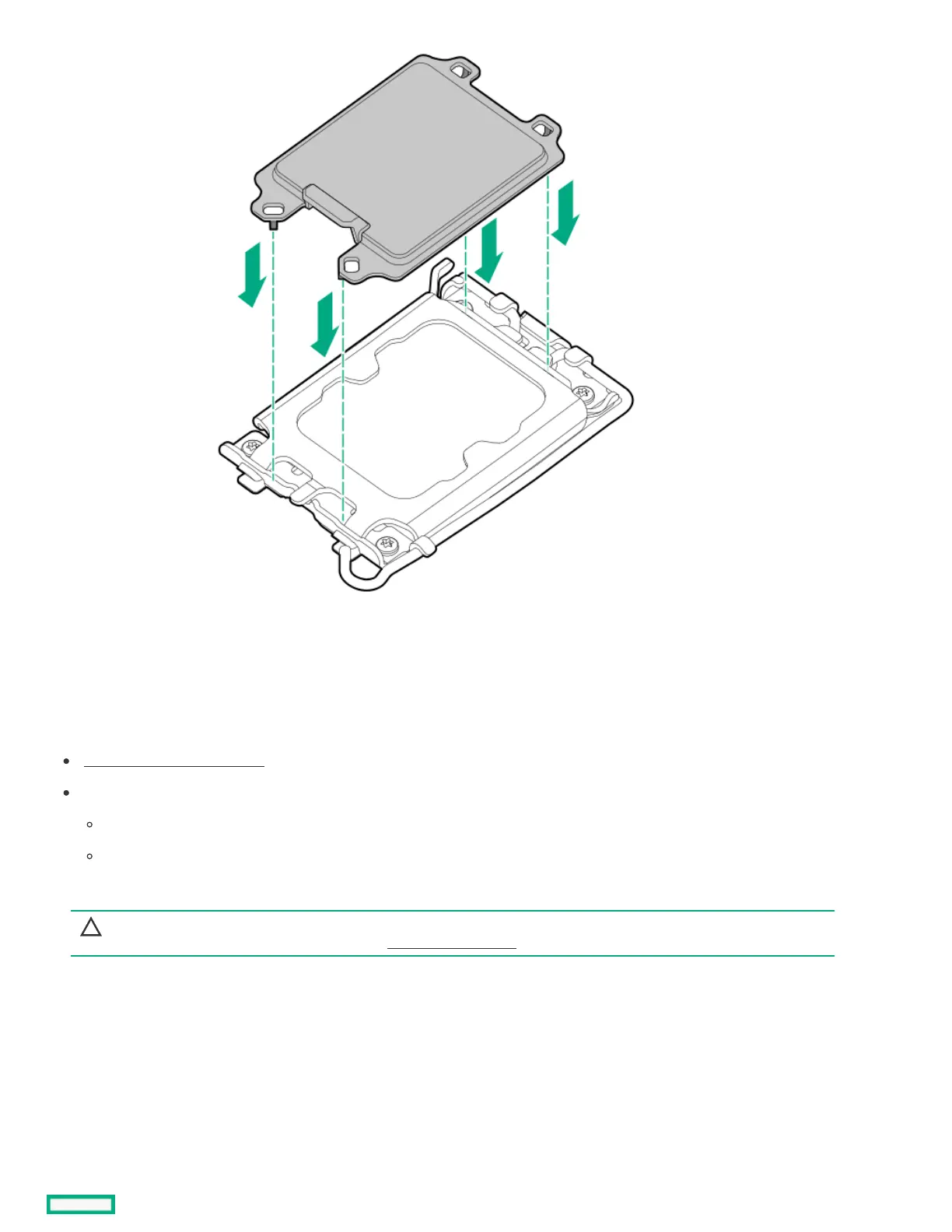
Installing the processorInstalling the processor
PrerequisitesPrerequisites
Review the processor cautions .
Before you perform this procedure, make sure that you have the following items available:
T-15 Torx screwdriver or a bit driver with T-15 Torx bit
1.0 gm (0.5 ml) or two 0.5 gm (0.25 ml) of thermal grease
About this taskAbout this task
CAUTION:CAUTION: A discharge of static electricity from a finger or other conductor might damage system boards or other static-
sensitive devices. To prevent damage, observe antistatic precautions.
ProcedureProcedure
1. If the processor dust socket cover is installed, remove it.
Retain the cover for future use.













 To Next Page