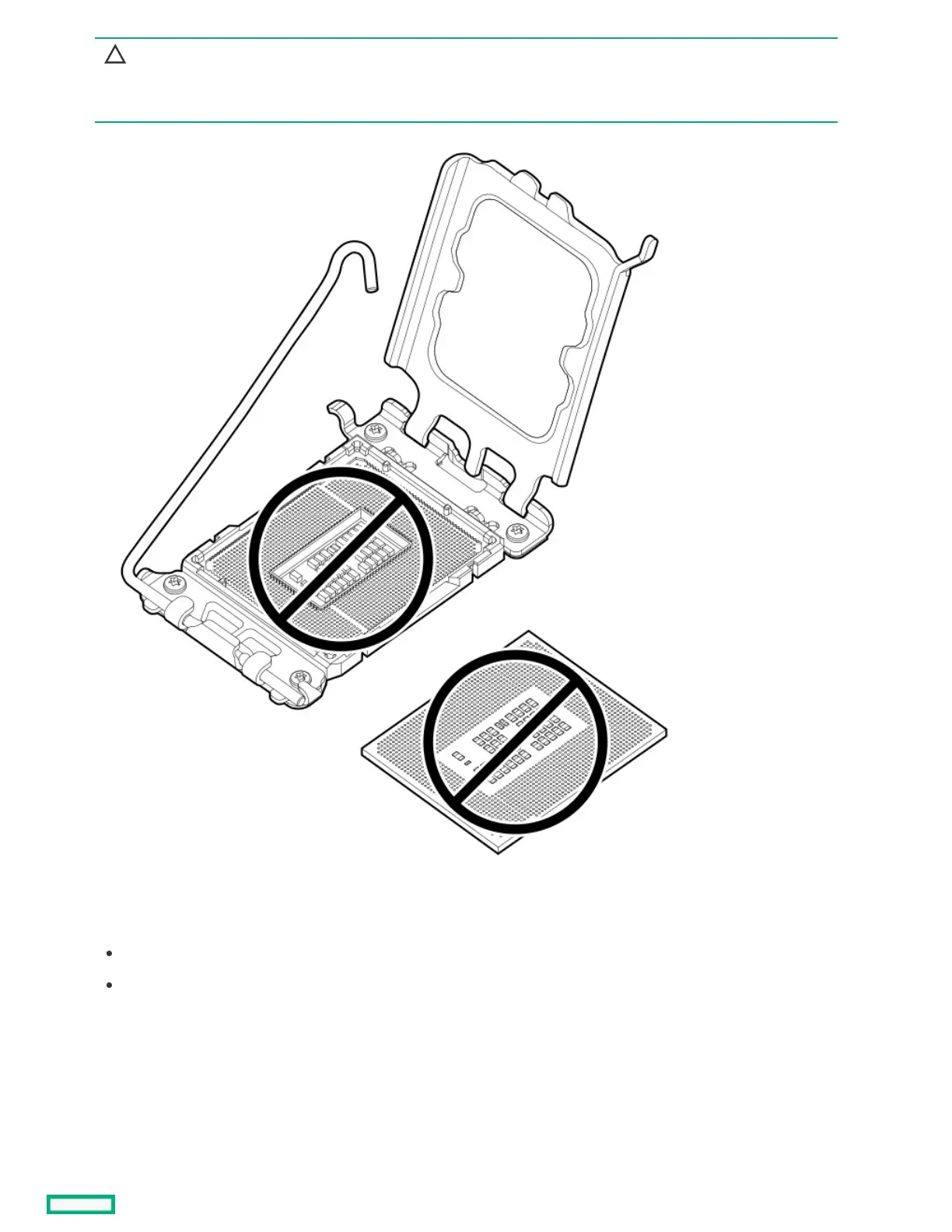
CAUTION:CAUTION:
THE PINS ON THE PROCESSOR SOCKET AND ON THE PROCESSOR ARE VERY FRAGILE AND EASILY DAMAGED.THE PINS ON THE PROCESSOR SOCKET AND ON THE PROCESSOR ARE VERY FRAGILE AND EASILY DAMAGED. Any
damage to them might require replacing the system board.
4. Install the processor:
a. Hold the processor by the edges and align the:
Socket notches with the processor notches
Pin 1 indicator on the processor and the socket
b. Lower the processor straight down, without tilting or sliding the processor in the socket.
Make sure that the processor is properly seated in the socket.













 To Next Page