7. Remove the chassis cover .
8. Remove the front bezel.
9. Open the chassis .
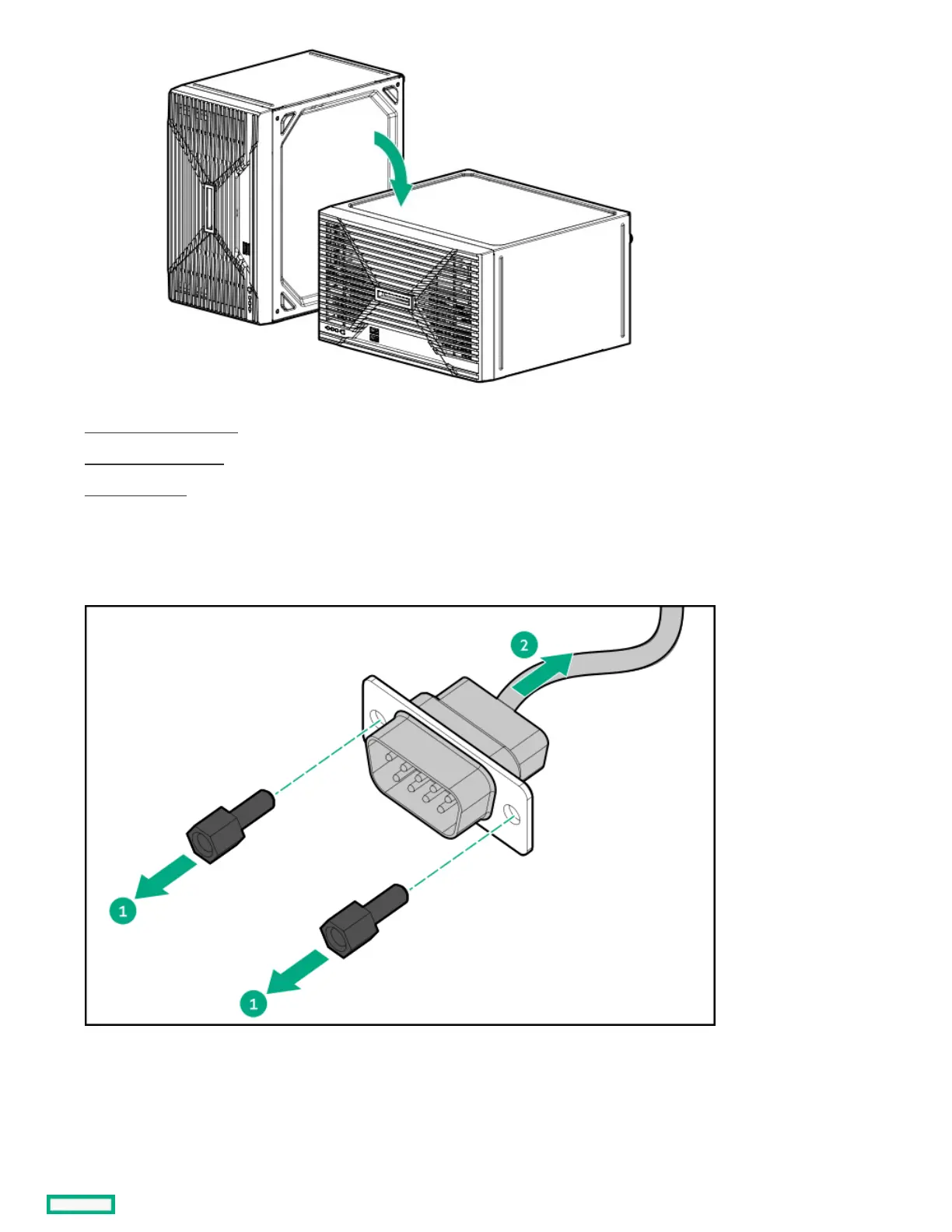
10. Remove the serial port cable:
a. Remove the hex screws.
b. Remove the serial port from the rear panel.
ResultsResults
To replace the component, reverse the removal procedure.
System board replacementSystem board replacement













 To Next Page