Apps and Entertainment 100
5. Touch the info sheet to check the address, get directions, see the location in Street View
(if available), and more.
Check the Location Details
1. Touch > > Maps.
2. Touch and hold a location on the map. A place marker opens and the location's info
sheet appears at the bottom of the screen.
3. Touch the place marker or the info sheet to call, get directions, view the place in Street
View, and more.
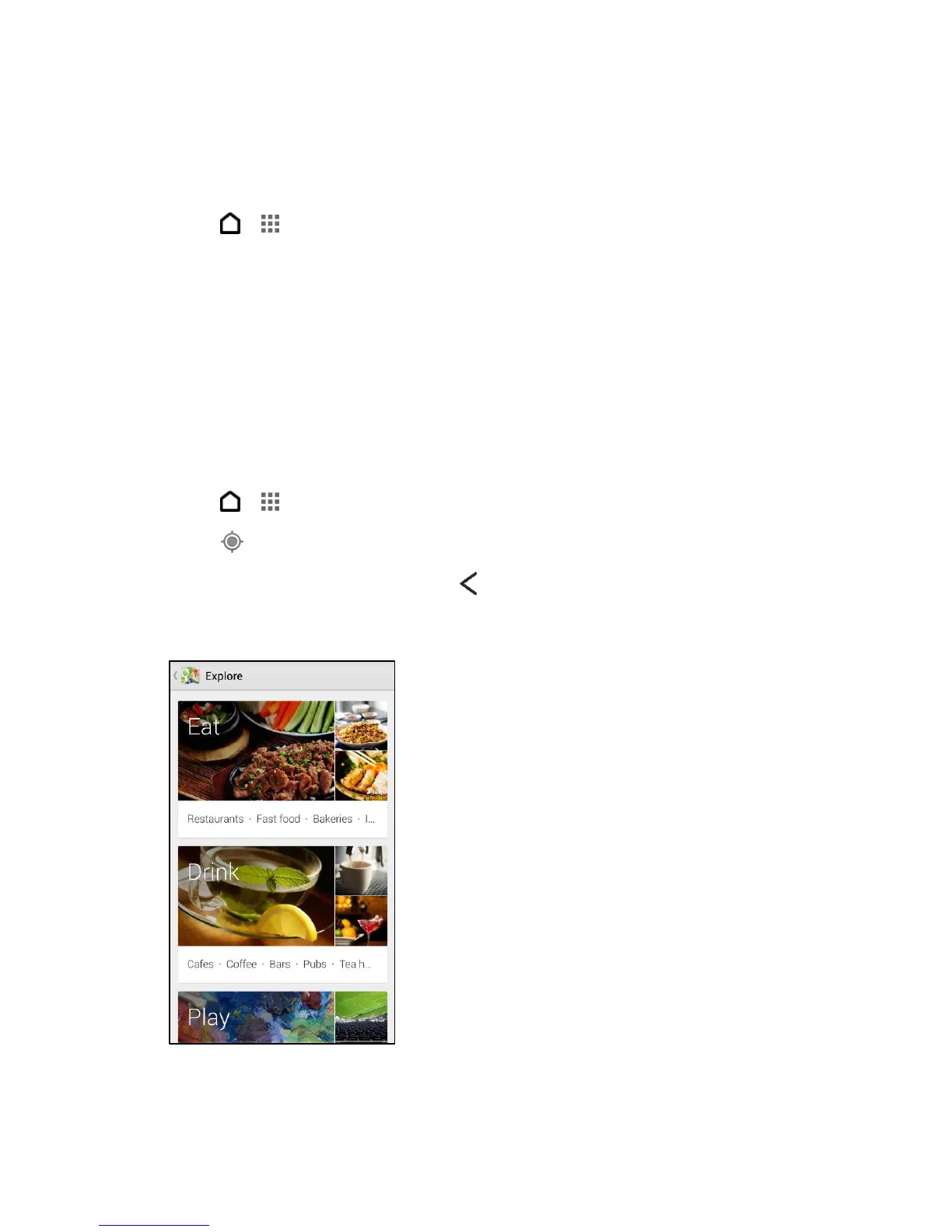
Explore Places and Activities Near You
Google Maps lets you find places of interest where you can dine, sleep, shop, and more.
Note: This feature may not be available for certain countries and locales.
1. Touch > > Maps.
2. Touch to show your current location.
3. Touch the search box, and then touch to hide the keyboard.
4. Touch the Explore card to open the Explore screen.
5. Touch an activity, and then touch a place of interest from the list. The place is displayed
on the map.



 To Next Page