Phone Calls 52
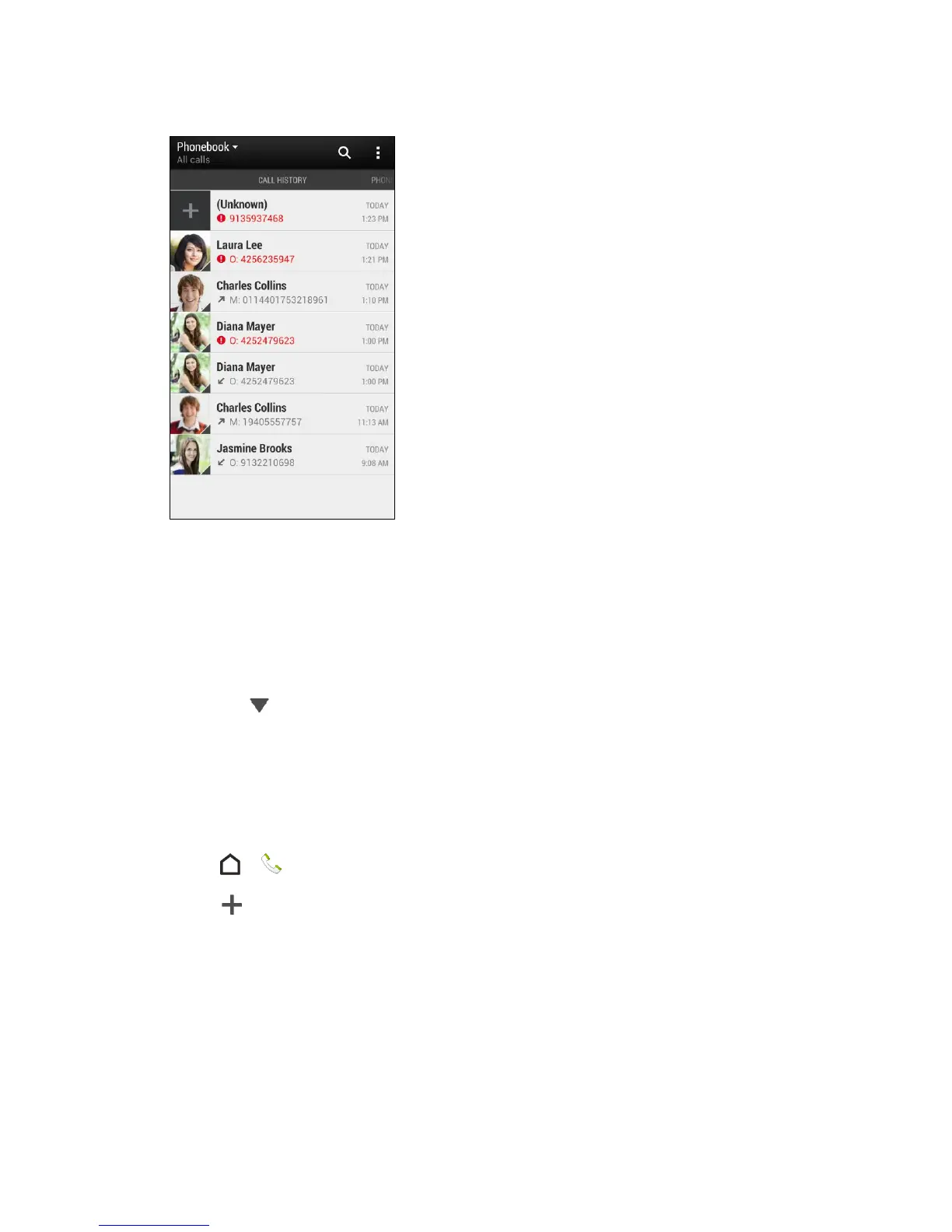
2. Do any of the following:
Touch a name or number in the list to call. See Call From Call History.
Touch and hold a name or number in the list to display the options menu.
Touch a contact photo to find more ways of getting in touch with the contact.
Touch to display only a particular type of call such as missed calls or outgoing
calls.
Save a Number From Call History
If the phone number of a person who called is not in People, you can choose to save the
number after you hang up.
1. Touch > > Call History tab.
2. Touch and choose whether to create a new contact or save the number to an
existing contact.
Note: You cannot save phone numbers already in People or from calls identified as No ID or
Restricted.
Prepend a Number From Call History
If you need to make a call from the Call history and you are outside your local area code, you
can add the appropriate prefix by prepending the number.



 To Next Page