Tools and Calendar 167
The contents of your phone’s storage appear on the other device’s screen.
Share Content with NFC
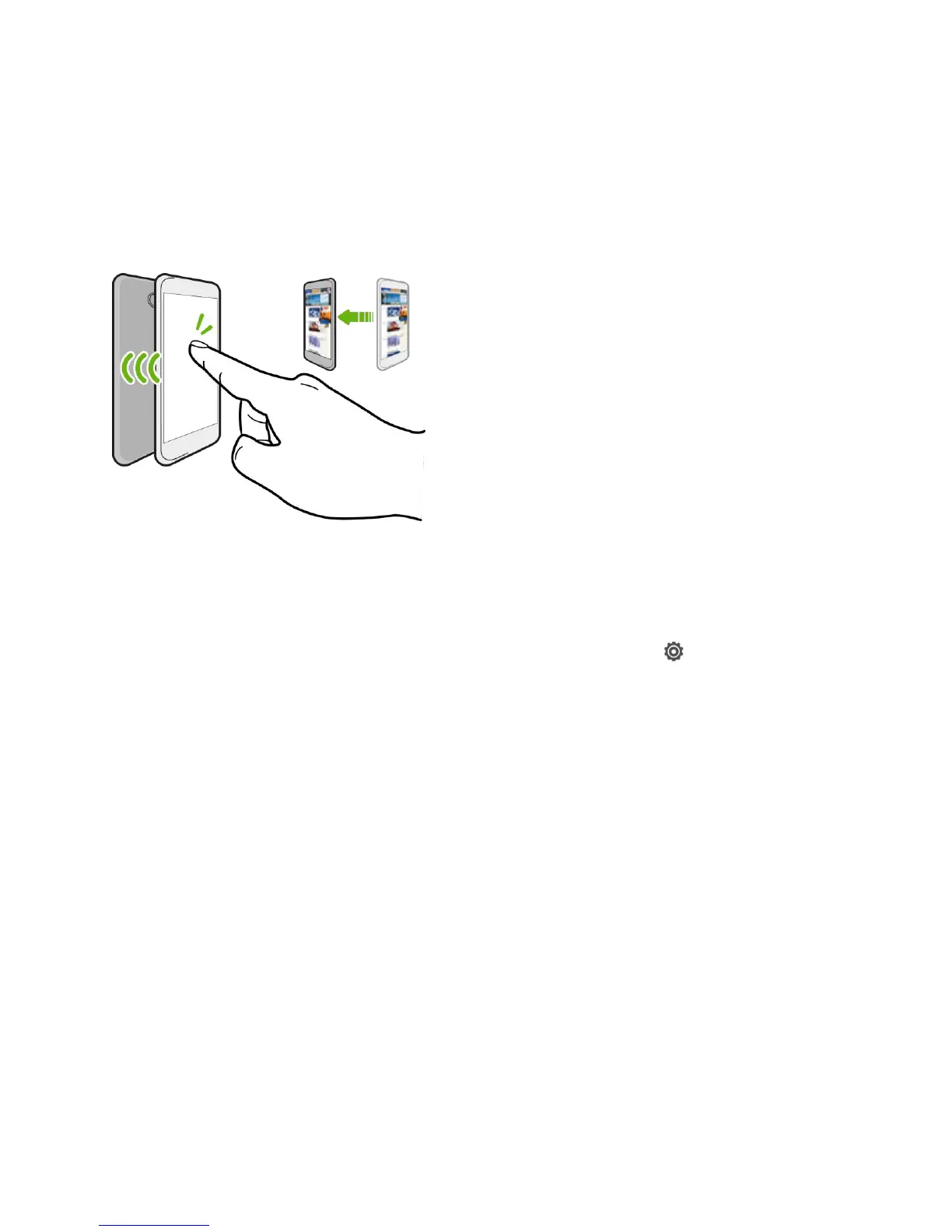
With built-in NFC (near field communication) on your phone, you can share content to
someone’s mobile phone in an instant. Beam a webpage you’re viewing, contact information,
and more by just holding your phone and the other phone back to back.
Note: You can also use NFC for contactless payment. Contact Virgin Mobile to find out about
the availability of NFC payment services.
Turn NFC On
1. With two fingers, swipe down from the status bar, and then touch .
2. Under Wireless & Networks, touch More.
3. Select the NFC option.
Beam Content
Note: Make sure that both phones are unlocked and have NFC turned on. If the other device
has an Android Beam™ option, make sure it is also turned on.
1. While viewing the content that you want to share, hold your phone and the other phone
back to back. When the phones connect, you’ll hear a sound and both phones will
vibrate slightly.
2. Touch the screen.
The shared content appears on the other screen. For some items that you’ve shared (such as
contact information), additional instructions on how to save the item will appear on the receiving
device.



 To Next Page