Phone Basics 16
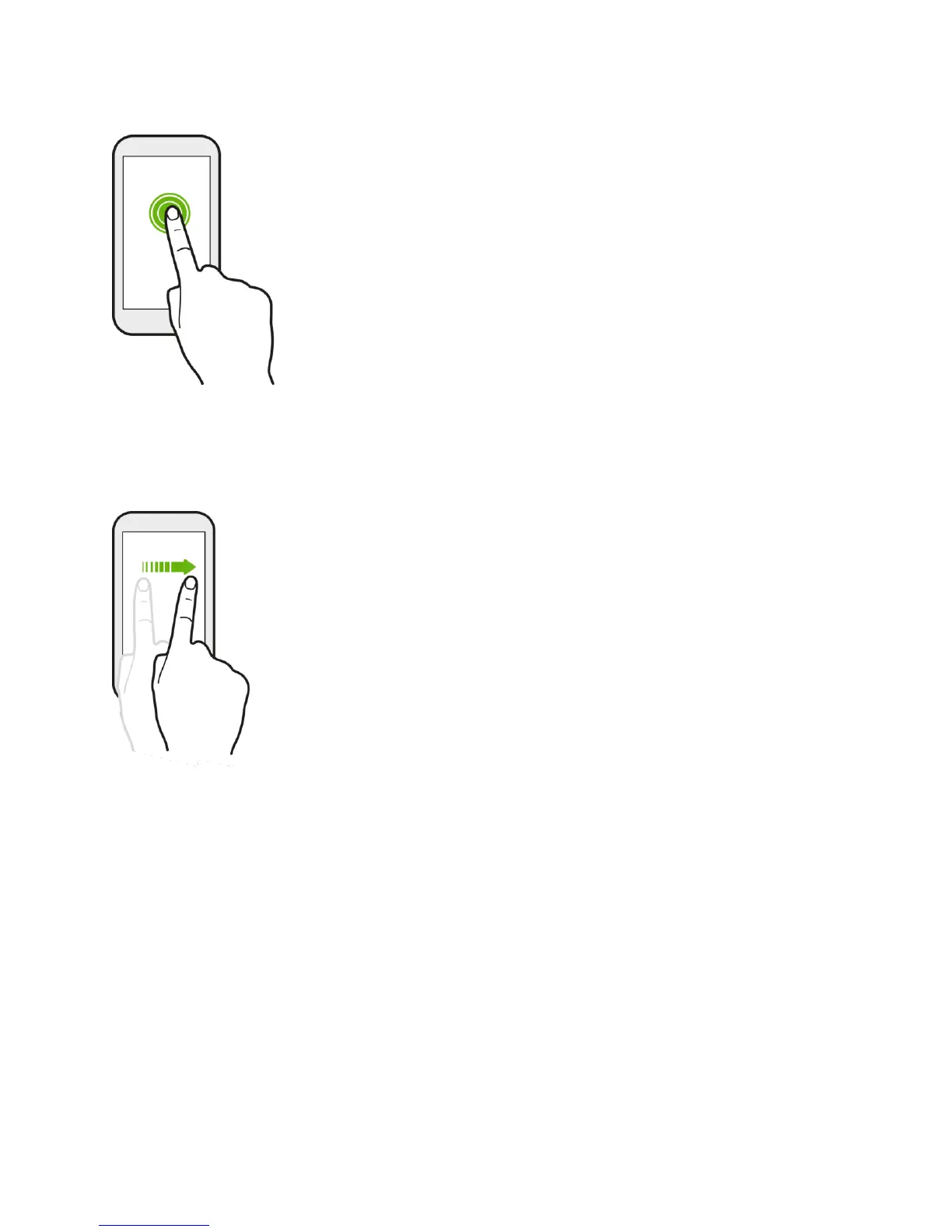
Swipe or Slide
Quickly swipe your finger vertically or horizontally across the screen to go to other Home pages,
scroll through documents, and more.
Drag
To drag, press and hold your finger with some pressure before you start to drag. While
dragging, do not release your finger until you have reached the target position.



 To Next Page