Phone Basics 18
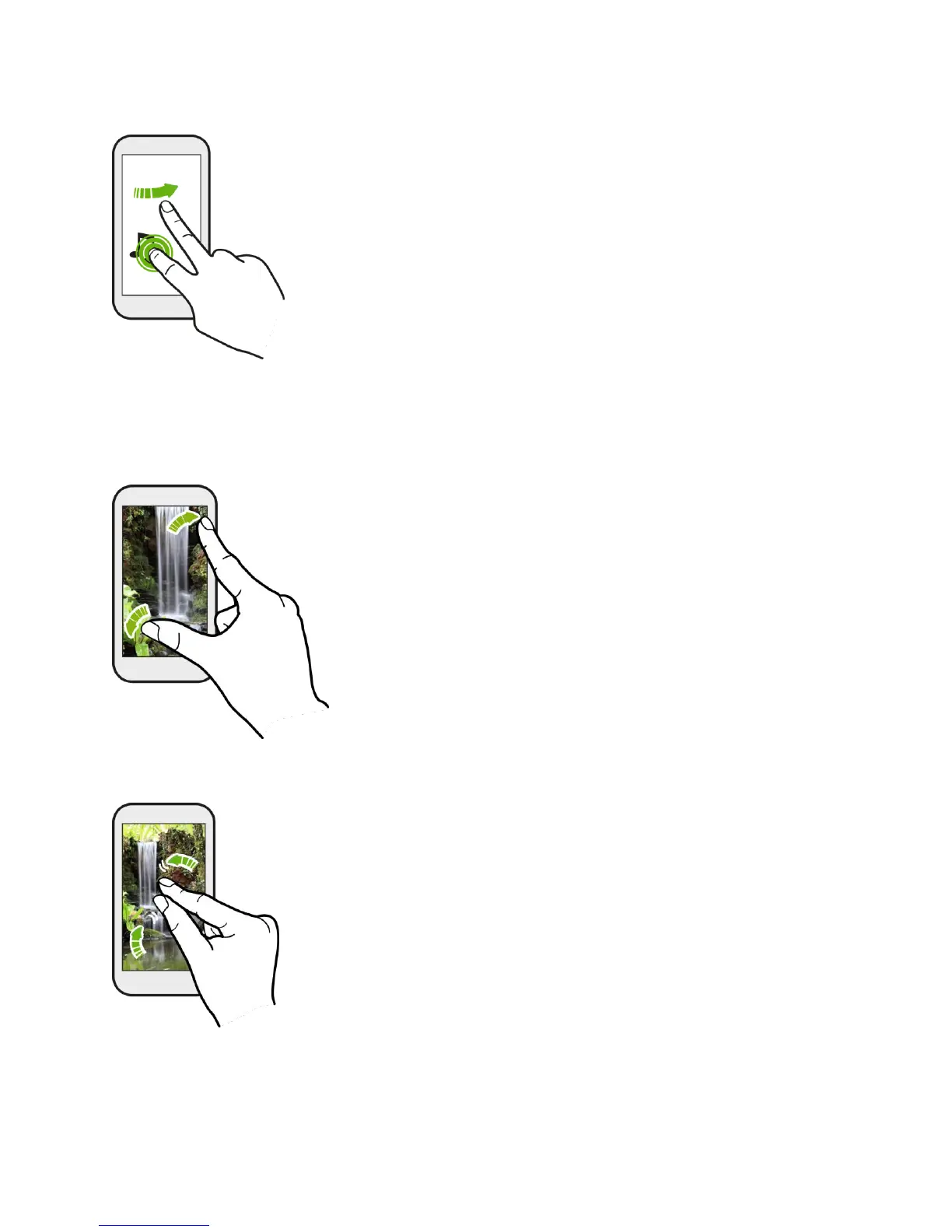
Slide with Two Fingers
In some apps, like Gallery, Messages, Mail, or the Web browser, slide two fingers apart to zoom
in when viewing a picture or text.
Slide two fingers together to zoom out of the picture or text.
Two-finger Swipe
● Swipe down from the status bar using two fingers to access Quick settings.



 To Next Page