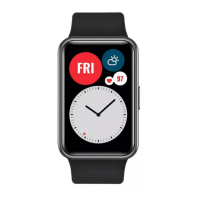
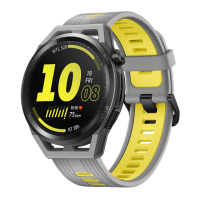
Wearing your band
1 Attach and
x the body into the strap as shown in the following gure.
2 The strap is made of exible materials. Adjust it before putting it on. If you need to adjust
the strap again after putting it on, put your middle nger between the layers of the strap,
then use your thumb and index nger to slide the buckle.
• Your band is made of materials that are safe to use. If you experience skin discomfort
when wearing the band, stop using it and consult a doctor.
• Be sure to wear your band properly to maximise comfort.
• Keep the band and your skin dry and clean to prevent any damages caused by
moisture.
Pairing the band with your phone
Connect your band to the charging cradle to activate your band when using it for the rst
time. The band is ready to be paired via Bluetooth by default.
Instead of pairing your band with the phone via Bluetooth directly, pair your band with the
phone using the Huawei Health app. Otherwise, your phone will not display the correct time
and step count.
• For Android users:
1 Download the latest version of the Huawei Health app.
2 Open the Huawei Health app, go to Devices >
> ADD > Smart bands, and select
your band's name.
3 Touch PAIR and the app will automatically search for available devices. Once your band
is found, touch its name to start pairing.
4 Your band will vibrate when it receives a pairing request. Tap the touch key on your
band to start pairing.
• For iOS users:
1 Download the latest version of the Huawei Health app.
2 Open the Huawei Health app, go to Devices >
> ADD > Smart bands, and select
your band's name.
3 Touch PAIR and the app will automatically search for available devices. Once your band
is found, touch its name to start pairing.
4 Your band will vibrate when it receives a pairing request. Tap the touch key on your
band to start pairing.
Getting started
2



 To Next Page