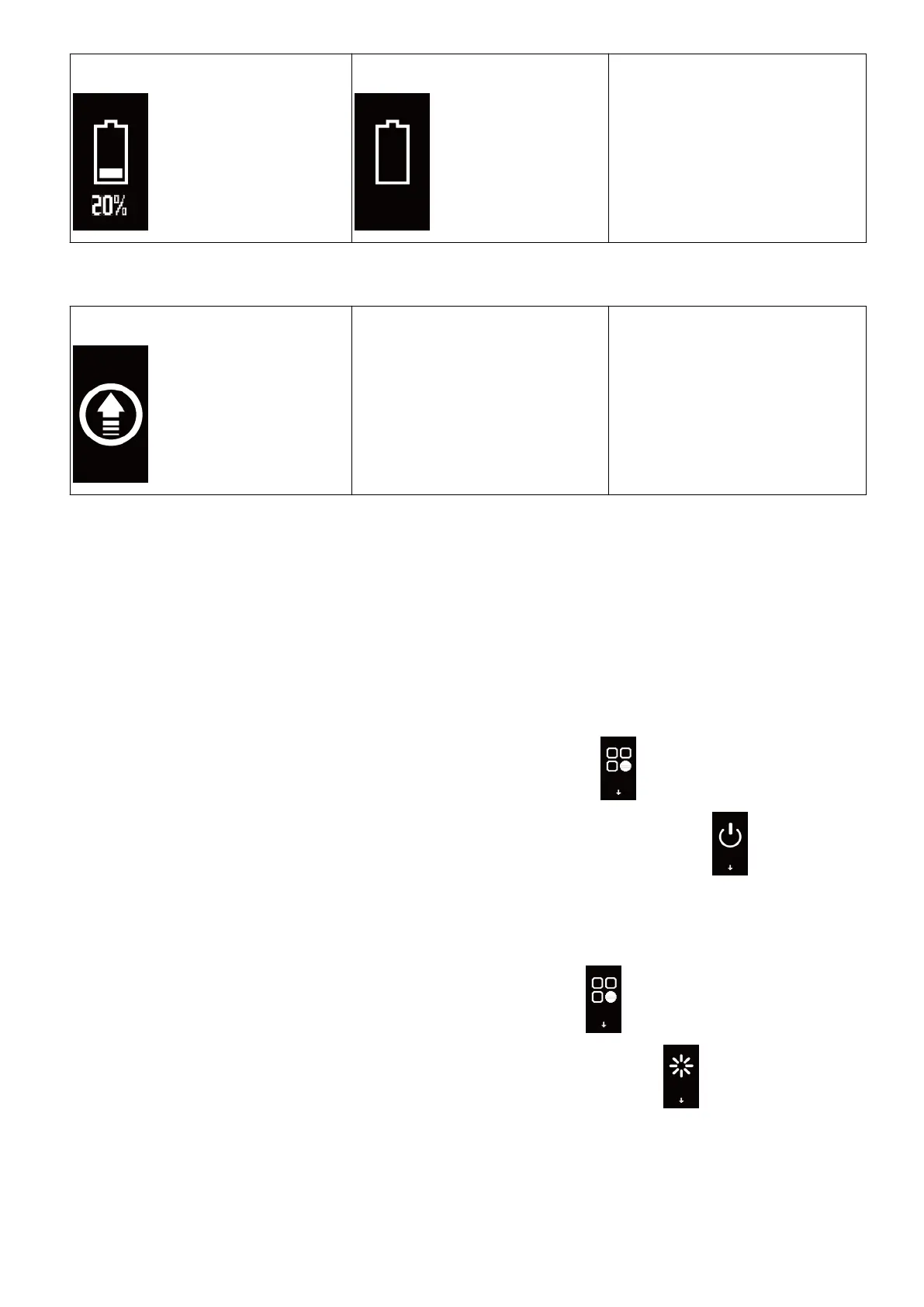
Charging Low battery -
Others:
System update - -
Powering on/o and restarting the band
Powering on the band
Your band will automatically power on if you charge it.
Powering o the band
• Your band will automatically power o if the battery is empty.
• In Wrist mode, tap the touch key below the screen until the screen is displayed, then
tap and hold the touch key to enter it. Tap the touch key to switch to the screen, then
tap and hold the touch key to power o the band.
Restarting the band
In Wrist mode, tap the touch key below the screen until the
screen is displayed, then tap
and hold the touch key to enter it. Tap the touch key to switch to the screen, then tap
and hold the touch key to restart the band.
Getting started
6



 To Next Page