Restoring factory settings
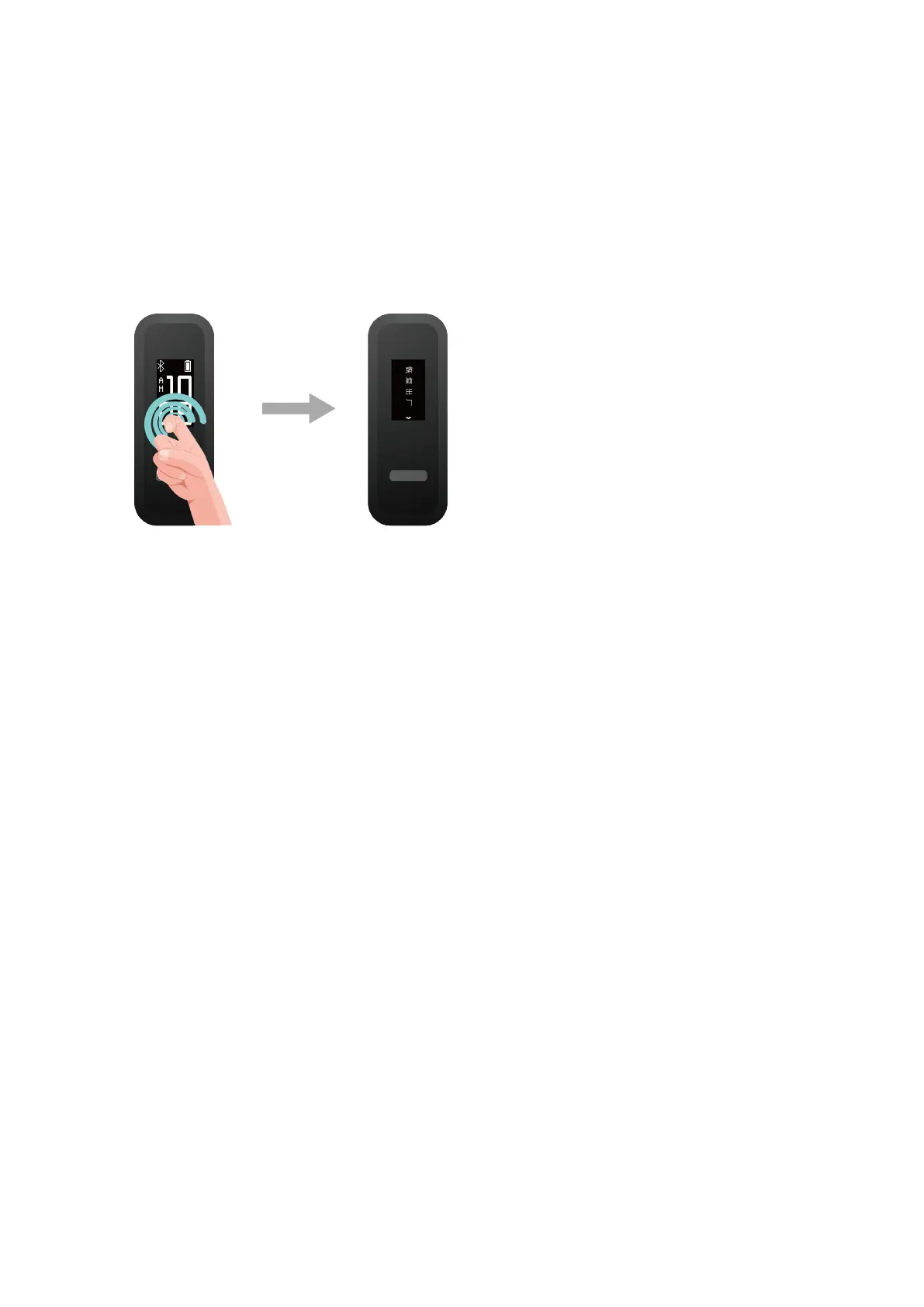
Method 1: Restore your band to its factory settings: Knock the time screen two times with
one knuckle and tap the touch key until you nd the Restore screen, then tap and hold the
touch key to restore the band to its factory settings. Once you have restored your band to its
factory settings, all its data will be cleared, so please exercise with caution.
Method 2: Open the Huawei Health app, touch Devices and then touch your device name.
On the device settings screen, touch Restore factory settings.
Getting started
8



 To Next Page