l − For ESXi, delete all partitions of the logical disk.
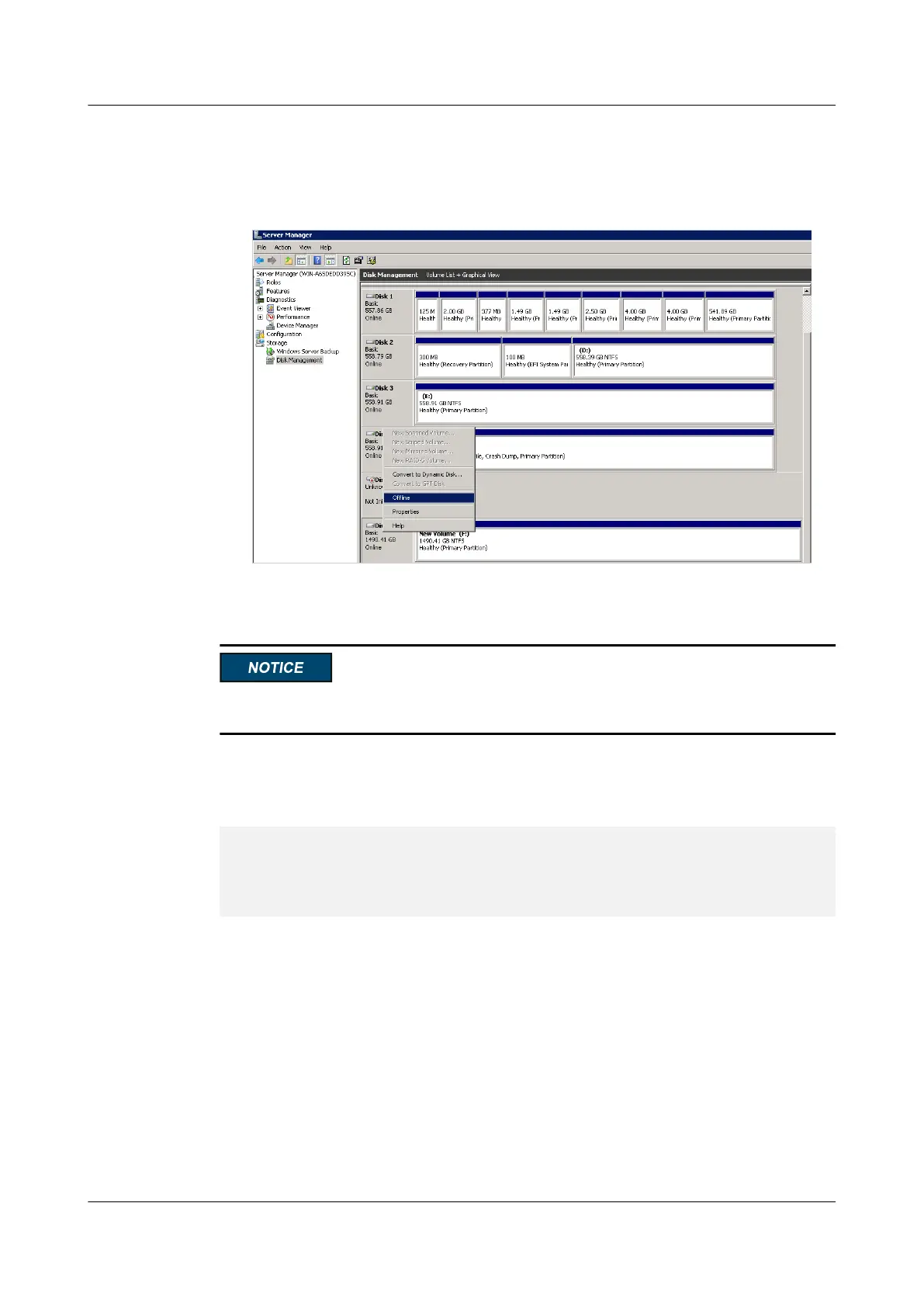
l − For Windows, make the logical disk offline. See Figure 6-5.
Figure 6-5 Making a logical disk offline
Do not read or write data when restoring the default attributes of an SSD. Otherwise, I/O
errors may occur.
Example
# Restore the default attributes of the SSD named nvme0.
linux-mazy:/ # hioadm restorefeatures -d nvme0 The restorefeatures operation will
recover all features. Arbitration Power Management Temperature Threshold Error
Recovery Interrupt Coalescing Interrupt Vector Configuration Write Atomicity
Asynchronous Event Configuration Software Progress Marker WARNING! You have
selected the restorefeatures operation. Proceed with the restorefeatures? (Y|N):
y All features are recovered.
ES3000 V3 NVMe PCIe SSD
User Guide
6 Command Description
Issue 20 (2019-02-27) Copyright © Huawei Technologies Co., Ltd. 133








 To Next Page