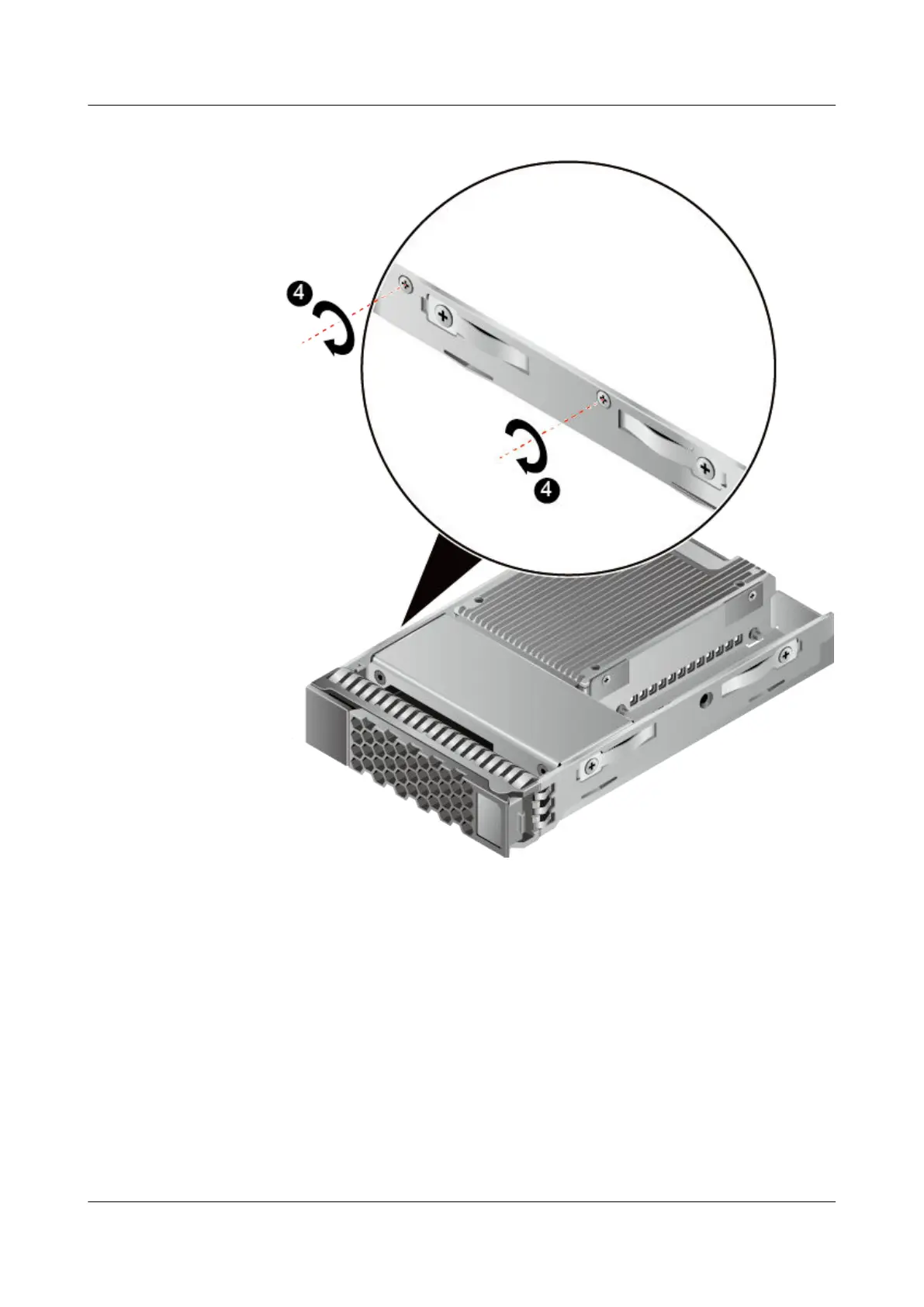
Figure 3-5 Securing the ES3000 V3 to the hard disk tray (2)
h. Open the ejector lever and push the ES3000 V3 into the server until it does not
move. See step (1) in Figure 3-6.
i. Close the ejector lever to push the ES3000 V3 into place. See step (2) in Figure
3-6.
ES3000 V3 NVMe PCIe SSD
User Guide
3 Installation and Configuration
Issue 20 (2019-02-27) Copyright © Huawei Technologies Co., Ltd. 27








 To Next Page