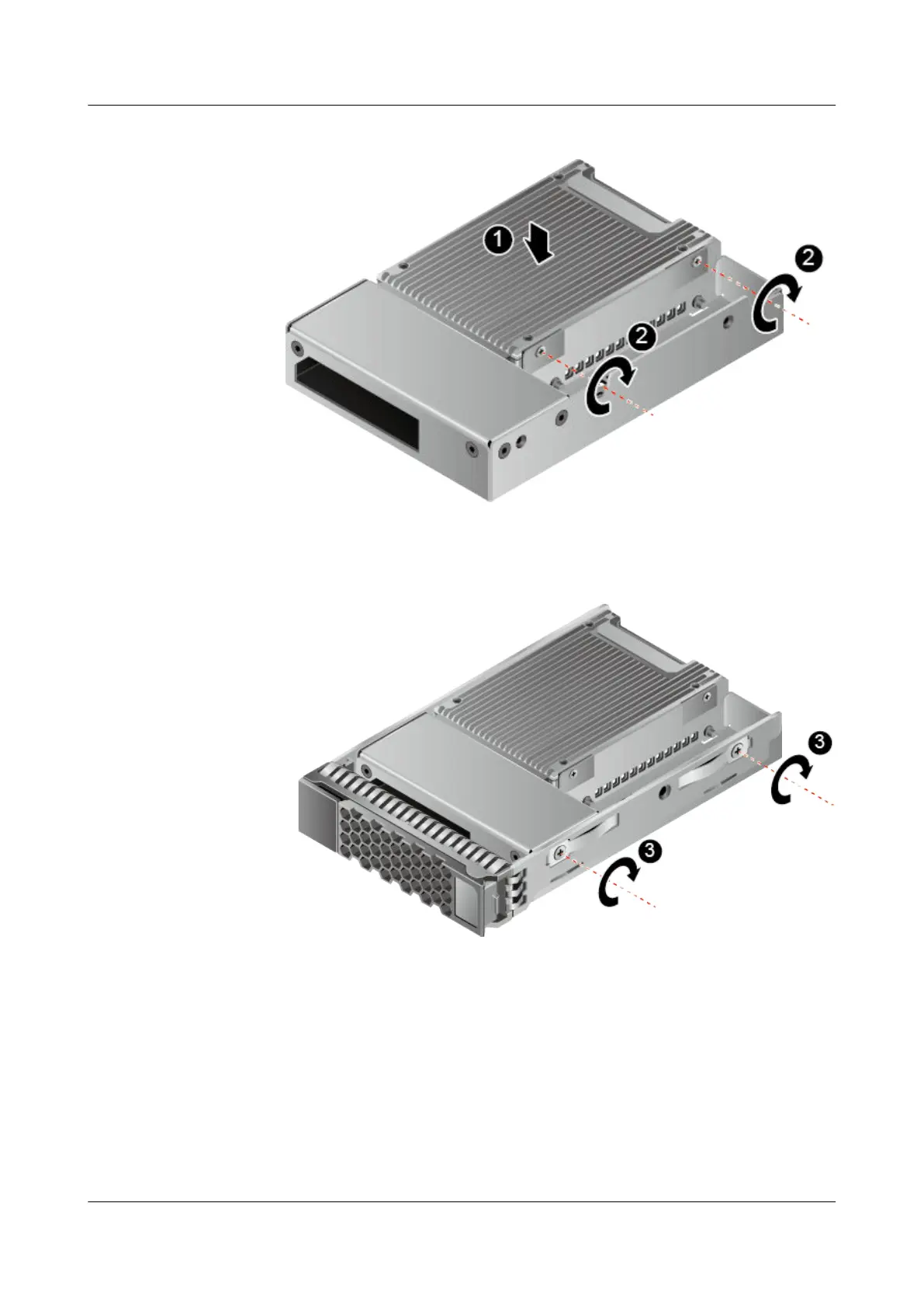
Figure 3-3 Securing the ES3000 V3 to the converter
g. Use four screws to secure the ES3000 V3 to the hard disk tray. See step (3) in
Figure 3-4 and (4) in Figure 3-5.
Figure 3-4 Securing the ES3000 V3 to the hard disk tray (1)
ES3000 V3 NVMe PCIe SSD
User Guide
3 Installation and Configuration
Issue 20 (2019-02-27) Copyright © Huawei Technologies Co., Ltd. 26








 To Next Page