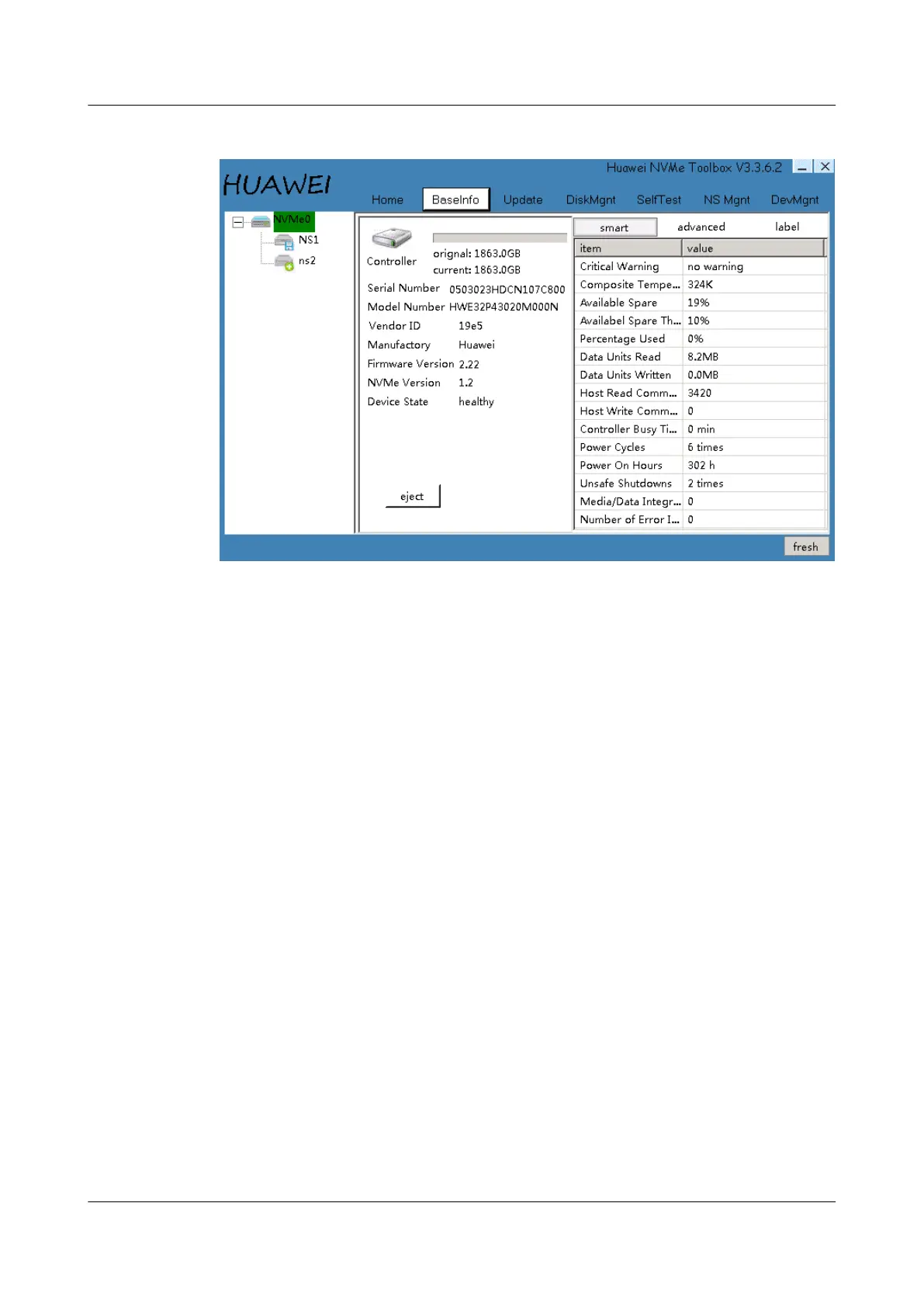
Figure 4-1 Basic information
Step 4 Click eject in Figure 4-1 and then click eject succeed OK.
If a success message is displayed, you can hot remove the ES3000 V3 disk. If a failure
message indicating the OS is accessing the ES3000 V3 disk, stop related services before
clicking eject again. You can hot remove the ES3000 V3 disk only when a success message is
displayed.
----End
ES3000 V3 NVMe PCIe SSD
User Guide
4 Hot Plug
Issue 20 (2019-02-27) Copyright © Huawei Technologies Co., Ltd. 61








 To Next Page