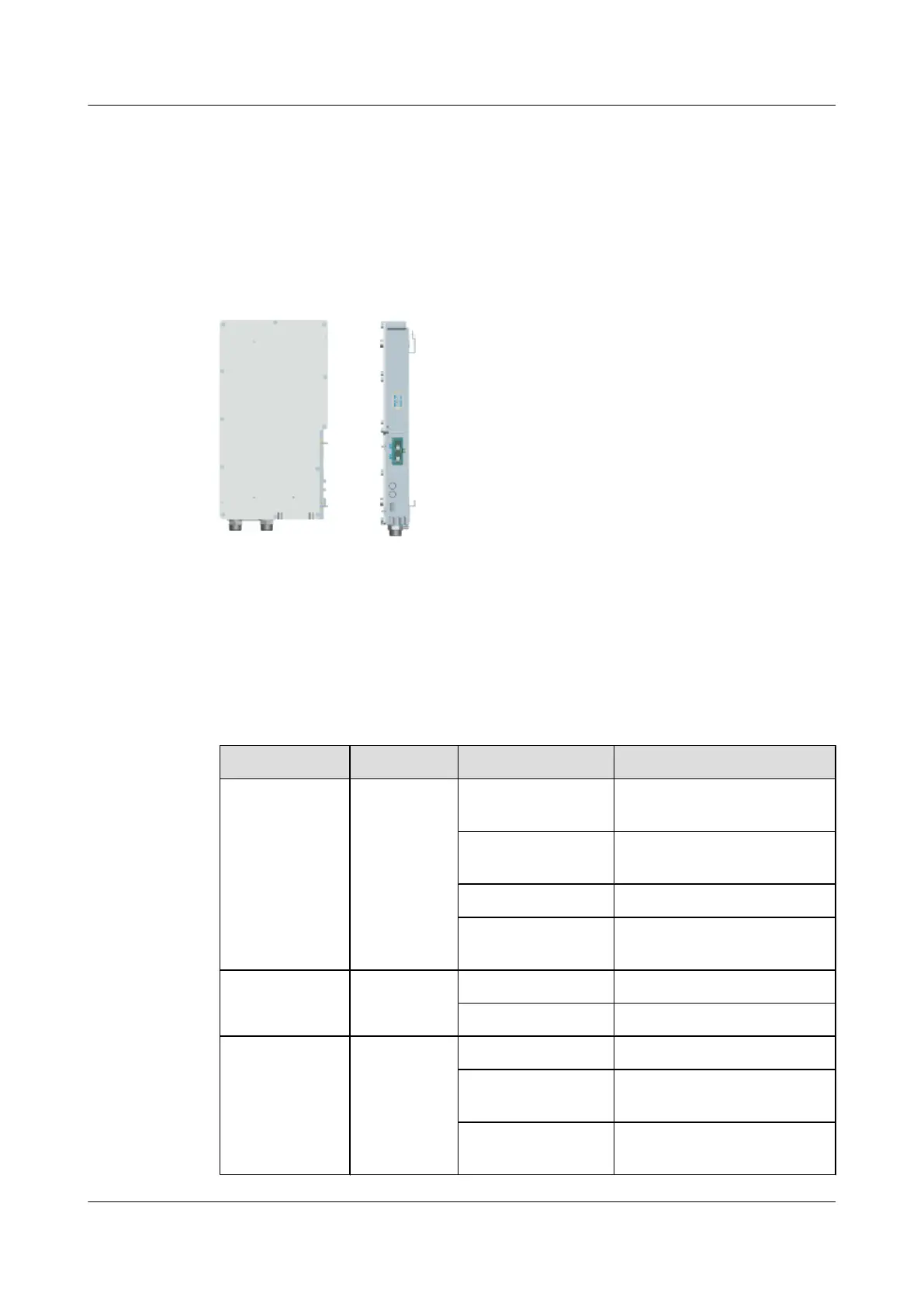
2.2.1 Appearance of the SRXU
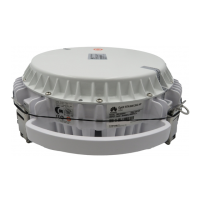
The SRXU features a modular structure with its ports at the module bottom and on the cabling
cavity.
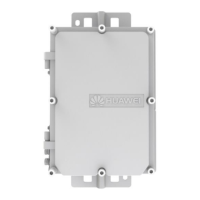
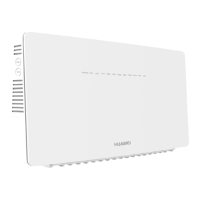
Figure 2-3 shows the SRXU. On the left is a front view of the SRXU, and on the right is a side
view of the SRXU.
Figure 2-3 SRXU
2.2.2 LEDs on the SRXU
The LEDs, on the LED panel of the SRXU, indicate the running status of the SRXU.
For the positions of the LEDs on the SRXU, refer to 2.2.3 Panels of the SRXU.
Table 2-3 describes the LEDs and their status.
Table 2-3 LEDs on the SRXU
Label
Color Status Description
RUN Green ON The module has power input,
yet the module is faulty.
OFF The module has no power input,
or the module is faulty.
1s ON, 1s OFF The module is operational.
0.5s ON, 0.5s OFF Software is being loaded to the
module.
ALM Red ON The module is reporting alarms.
OFF The module is operational.
CPRI_W Red/green ON (green) The CPRI link is normal.
ON (red) The optical module receives
local alarms related to LOS.
0.5s ON, 0.5s OFF
(red)
The CPRI link is out of lock.
RRU
User Guide 2 RRU and SRXU Hardware
Issue 01 (2008-04-18) Huawei Proprietary and Confidential
Copyright © Huawei Technologies Co., Ltd
2-7






 To Next Page