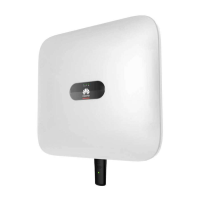
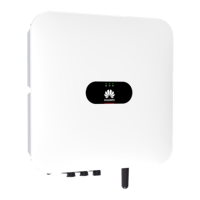
SUN2000-4.95KTL-JPL0
User Manual
C Restoring the Factory Defaults of a Solar Inverter
Copyright © Huawei Technologies Co., Ltd.
C Restoring the Factory Defaults of a Solar
Inverter
You can restore the solar inverter parameters to factory defaults by changing the grid code.
The following parameters are exceptions and need to be manually set.
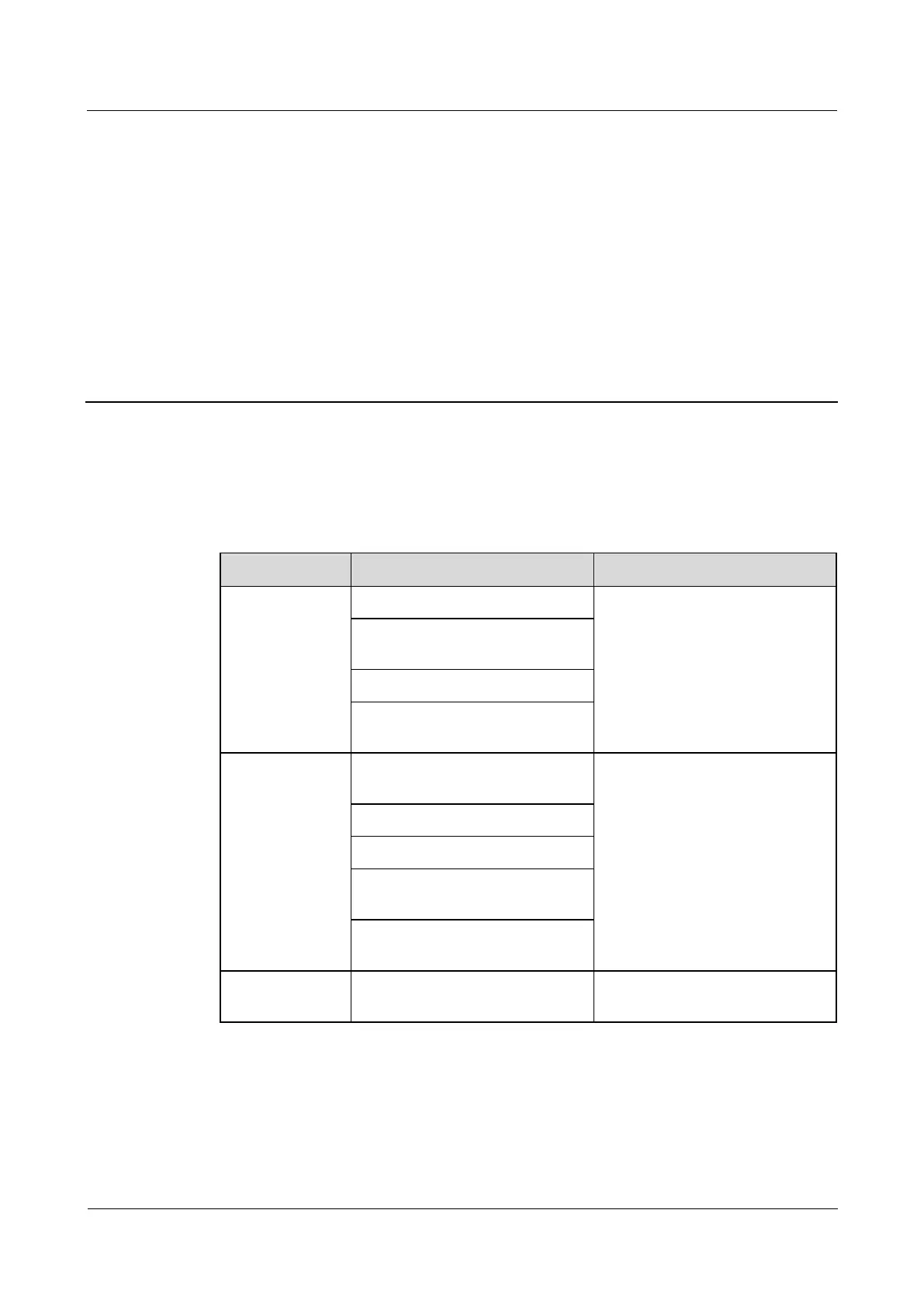
Table C-1 Parameters that cannot be restored to factory defaults by changing the grid code
Log in to the SmartLogger
WebUI as Advanced User or
admin and choose Monitoring >
Running Param. > Feature
parameters to set the parameters.
MPPT multi-peak scan interval
(min)
Communication interruption
duration (min)
Schedule instruction valid
duration (s)
Log in to the SmartLogger
WebUI as Special User or admin
and choose Monitoring >
Running Param. > Power
Adjustment to set the parameters.
Maximum active power (kW)
Fixed active power derated (W)
Active power percentage derating
(%)
Reactive power change gradient
(%/s)
The preset value is 9600 bps
(cannot be restored or changed).










 To Next Page