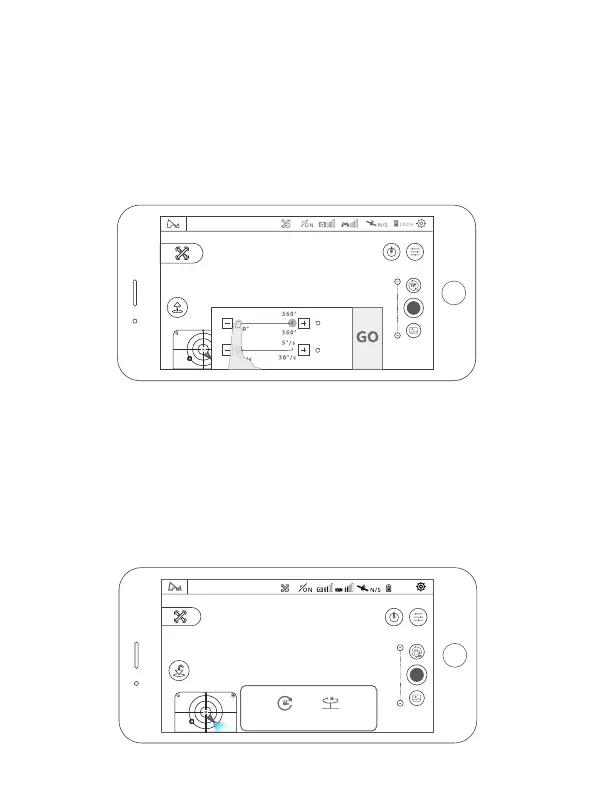
4.5.2 Creative Video
Comet Mode:
Panorama Photography:
(1) Select the direction of rotation (clockwise / counterclockwise);
(2) Set the rotation angle, the range of rotation angle (90 ° -360 ° ,accuracy 1°);
(3) Set the speed (2-30 ° / sec, accuracy 1);
(4) Click GO, the aircraft rotates in place in the hover position,shooting during the
rotation + storage Video recording;
(5) During the execution, you can click the exit button to exit the mode and save
the video.
After selecting the center point on the APP, the aircraft will automatically fly
along the ellipse track and record video. Please only use it in an open area.
APP operation:
(1) Select the surround target, the aircraft camera is always aimed at the
surround target when shooting
(2) Select the wrapping direction (clockwise/counterclockwise)
(3) Click GO, the aircraft start video
19
Connected
N
Angle
Speed
ccw
cw
Hover Mode N
100%
360° Comet



 To Next Page