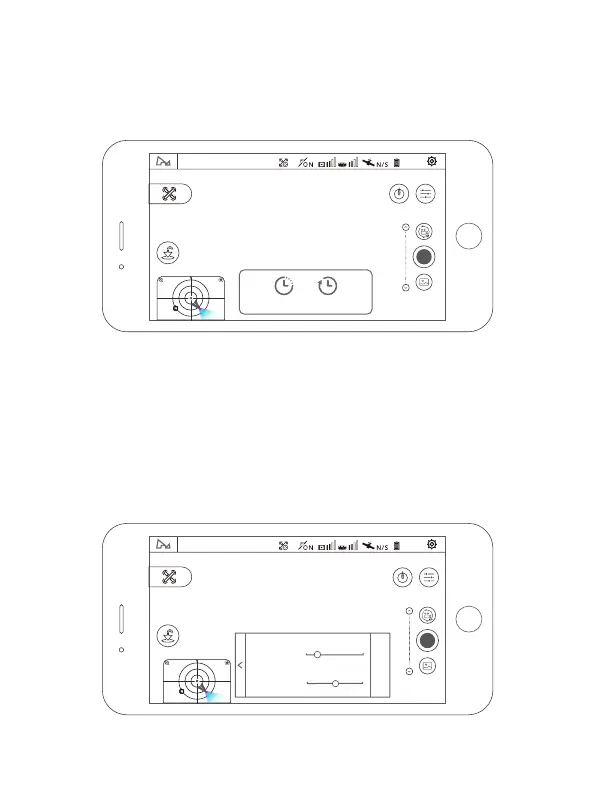
4.5.7 Time-lapse Photography
When you choose time compressor mode, you can choose free time-lapse
and surround time-lapse.
Free Time-lapse
The aircraft will take a certain number of photos and compose time-lapse
videos automatically according to the parameters which you set. During the
process of shooting, the user can control the flight of the aircraft freely.
(1) choose free time-lapse;
(2) set the shutter interval taken by the aircraft, the time of video generated
and the maximum flight speed;
(3) after done, please click ‘GO’ and start shooting.
Hover mode N
free
time-lapse
surround
time-lapse
100%
Hover mode N
2s
15s
0.5m/s
3.0m/s
The Shutter
Interval
The Maximum
Flight Speed
GO
100%
22



 To Next Page