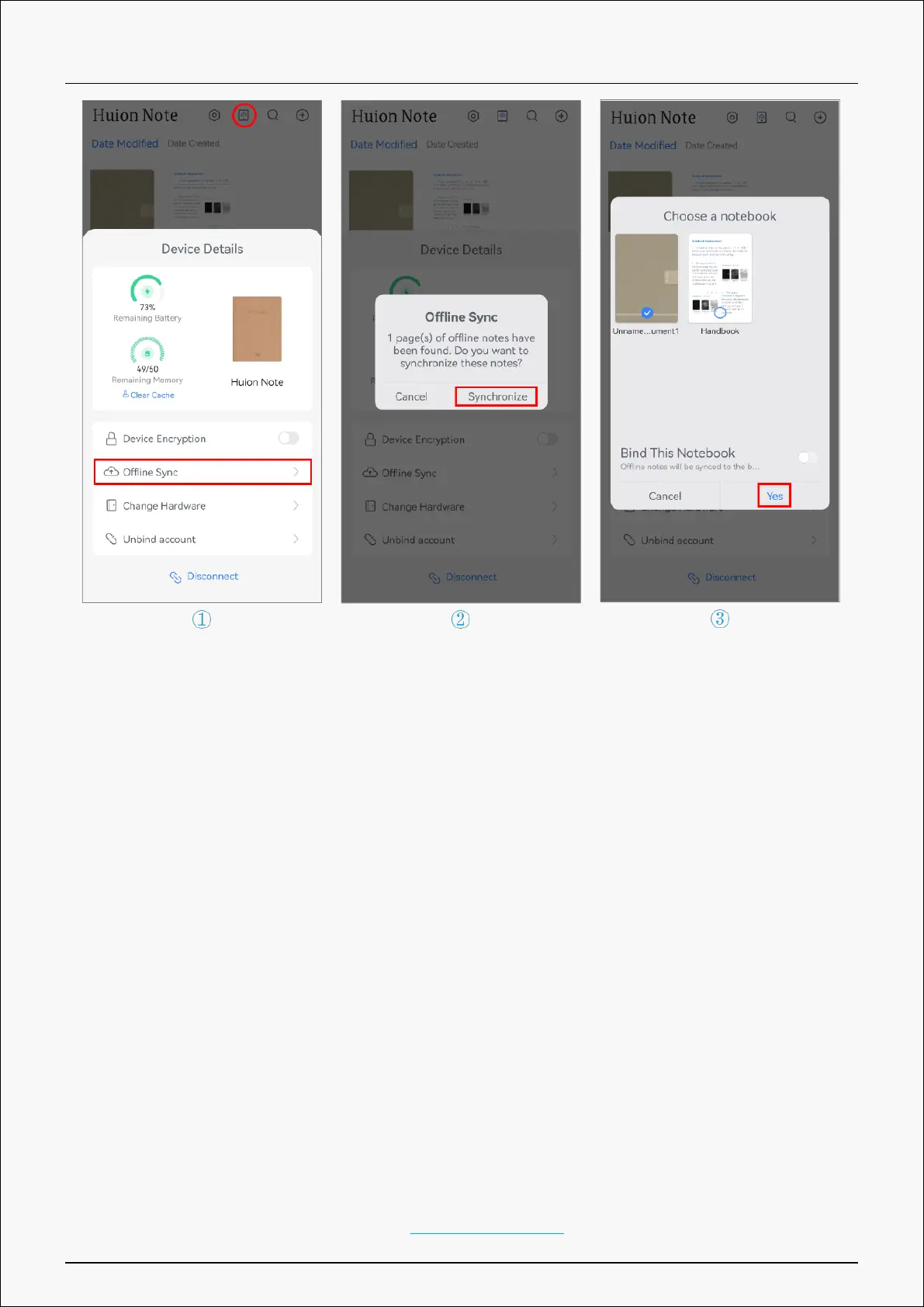
Note:①Enable “Bind This Notebook” and all offline notes will be uploaded to the bound
notebook by default next time.
②If you want to change the bound notebook, please tap the Connect button to call
up Device Details, then tap Change A Notebook, and choose another notebook to synchronize
by default.
Pen Tablet Mode
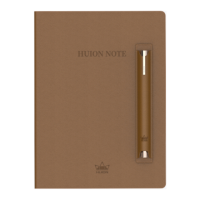
Huion Note hardware can be used as a pen tablet when it is connected to a computer running
Windows OS or macOS via Bluetooth or a cable. To ensure a better drawing experience, please
download the driver of Huion Note from Huion’s official website, stick the complimentary
panel on the smart digital notebook, and change the ballpoint pen nib to a plastic nib .
Connect the Hardware to a Computer
Note: the smart digital notebook can only be used as a pen tablet when connected to a
computer.
1. Please download and install the driver Driver-Huion Note for your smart digital notebook
11 / 44







 To Next Page