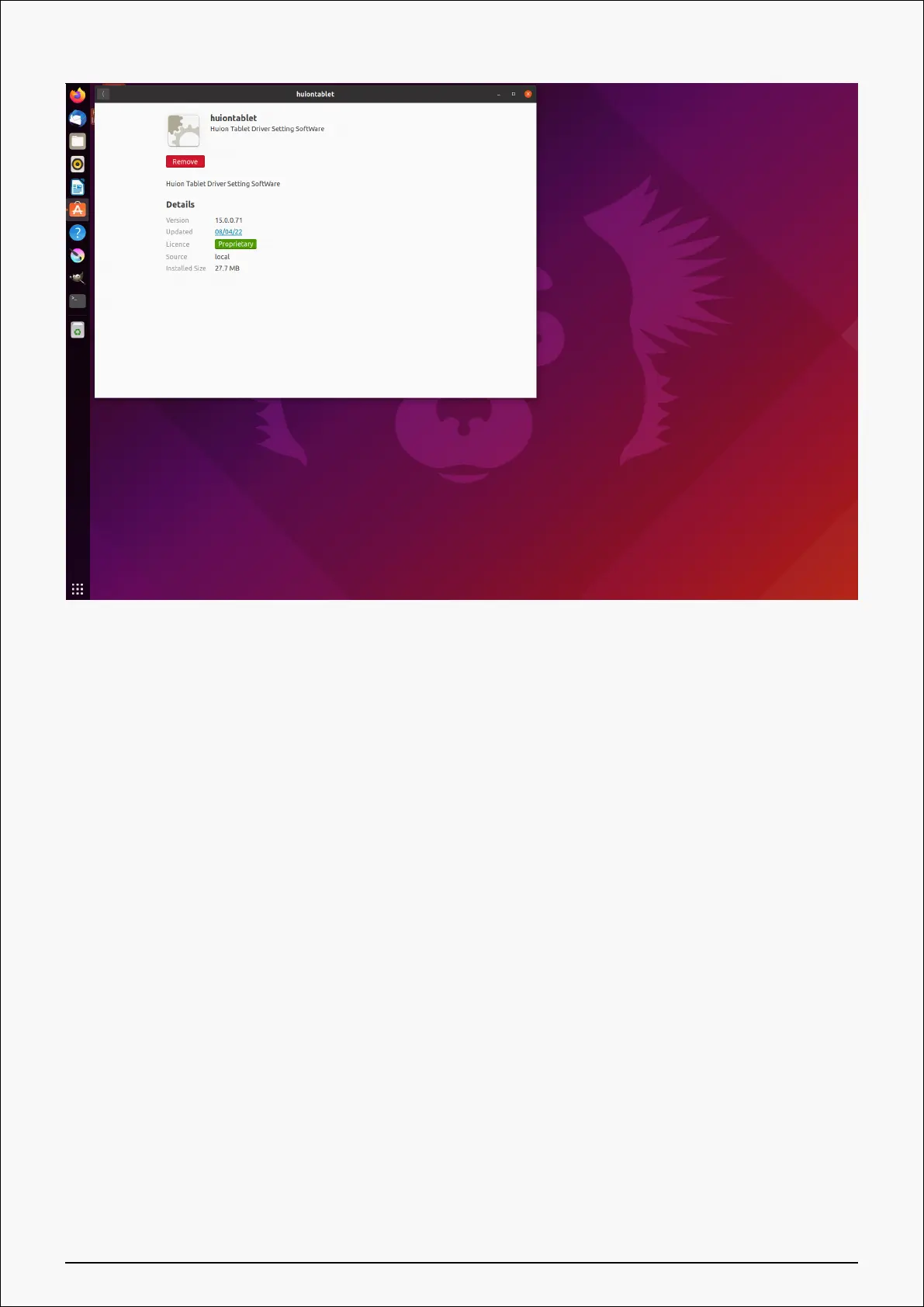
Tips: If you can't access the system’s built-in application store, you can search out the driver
file, huiontablet_xxx.deb, then double-click it to enter the installation interface, and click the
remove button to uninstall it.
Driver
Driver Interface Overview
27 / 44







 To Next Page