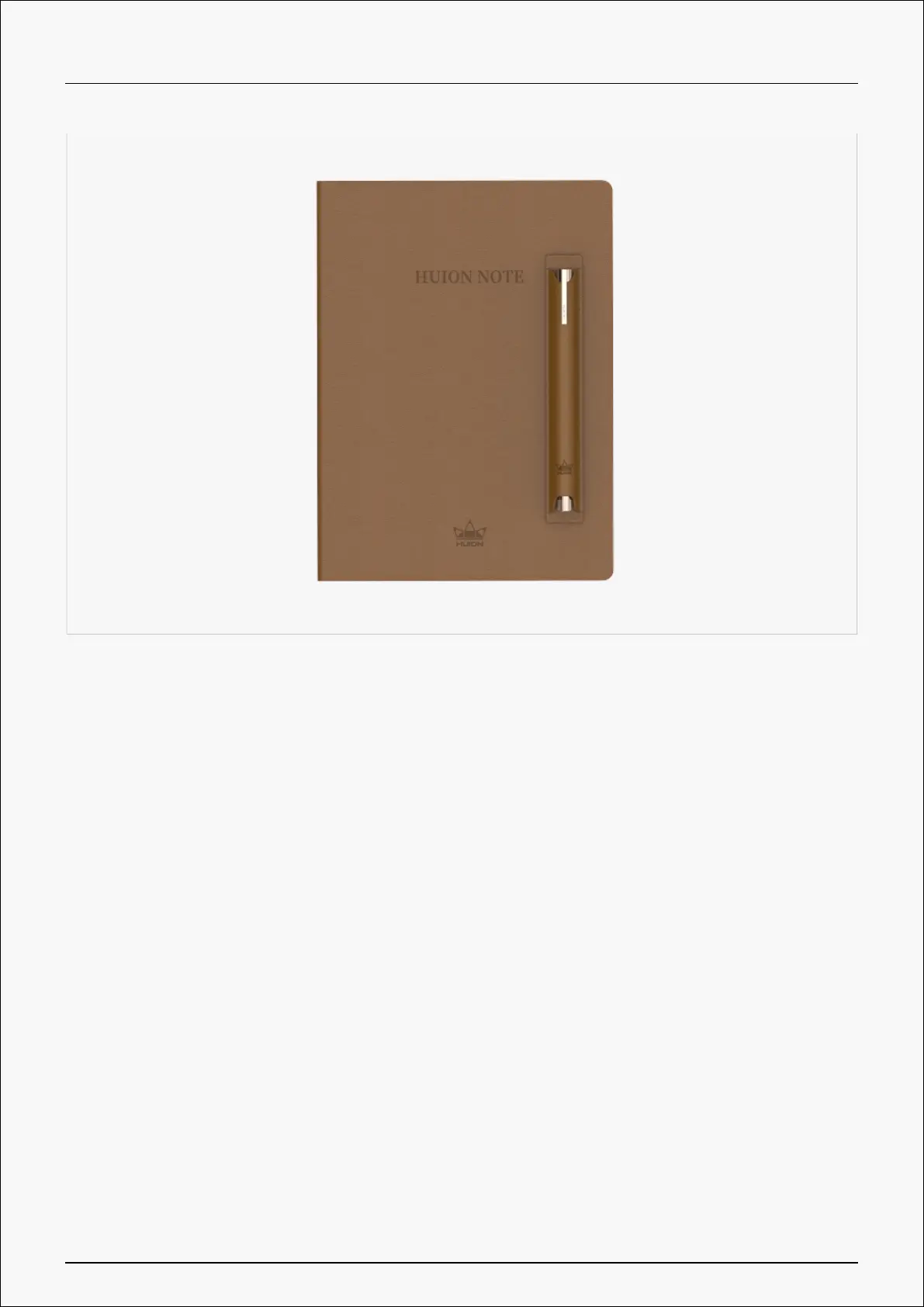
Introduction
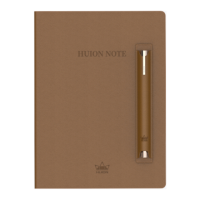
Thanks for choosing Huion’s smart digital notebook Huion Note.
Equipped with notebook-like hardware and corresponding software, Huion Note can recognize
and convert your handwriting to a digitized one and enables you to take notes digitally when
studying and working and share them with others whenever you want and wherever you go,
which is different from traditional paper-based recording. With the application, you can
manage, edit, and save these digitized notes on a phone or tablet with great convenience.
To better know and use this product, please read this user manual carefully.
Note: The pictures in the User Manual are for reference only.
Product Overview
Open the cover of Huion Note to turn it on, and then you can note down or draw on the
notepad inside it. Close the cover to turn it off.
2 / 44







 To Next Page