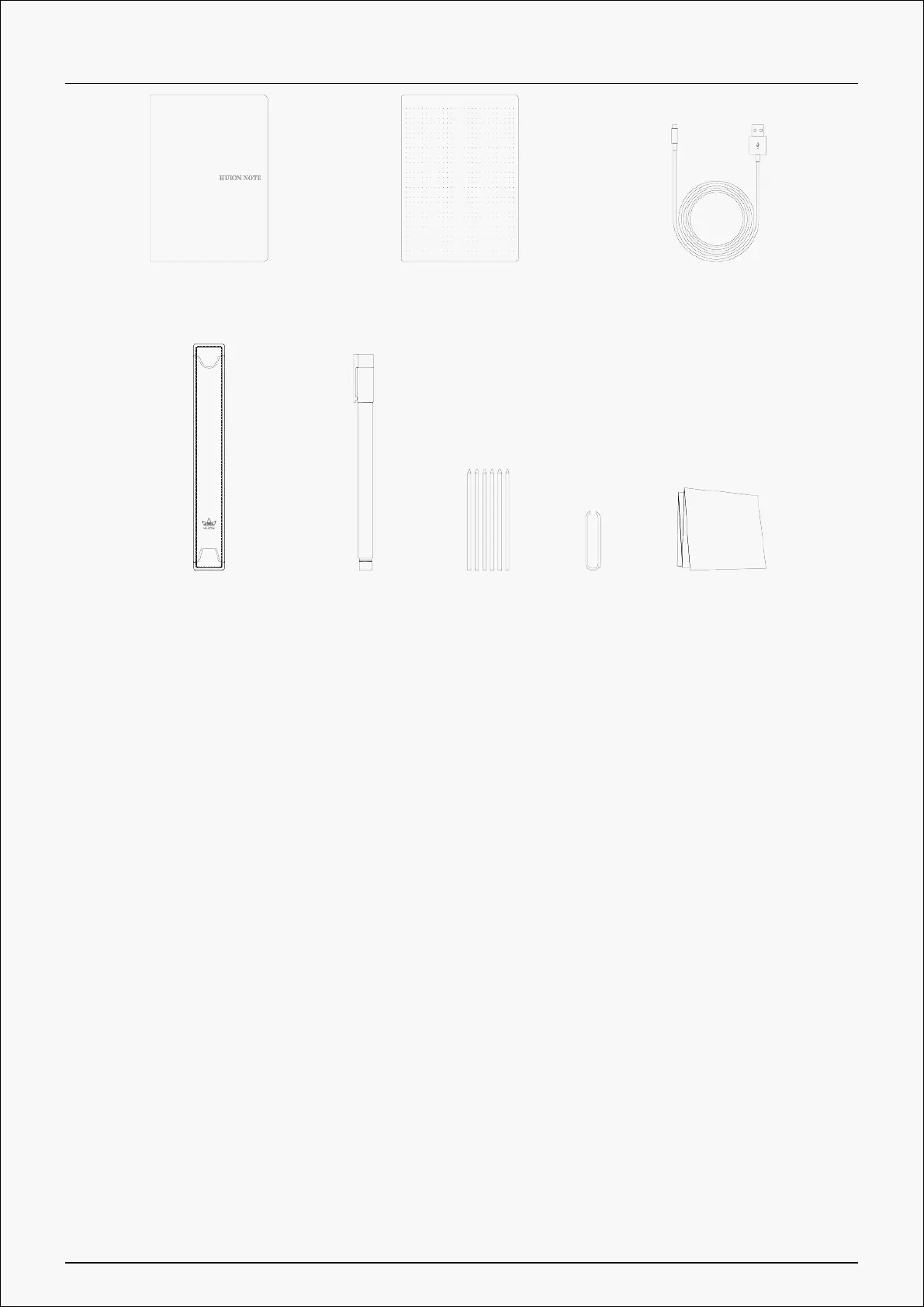
Note-taking Mode
By using the special pen nib with ink, you can write something down on the notepad that is
put on the smart digital notebook to get common paper notes easily. Additionally, with Huion
Note application, you can obtain the same digitized notes simultaneously when writing on the
notepad after connecting the smart digital notebook to a phone or tablet running iOS, Android
OS, or Harmony OS.
Connect to A Phone or Tablet
1. Download and install the Huion Note application, then turn on the Bluetooth on your phone
or tablet.
2. Open the smart digital notebook, and a steady green light will appear. Tap the Connect
button on the top-right corner of the application (See picture 1) and a pop-up window appears
(See picture 2).
5 / 44







 To Next Page