Mac
How to Install the Driver on Mac Device
Notice:
1. Please make sure your computer operating system is macOS 10.12 or later.
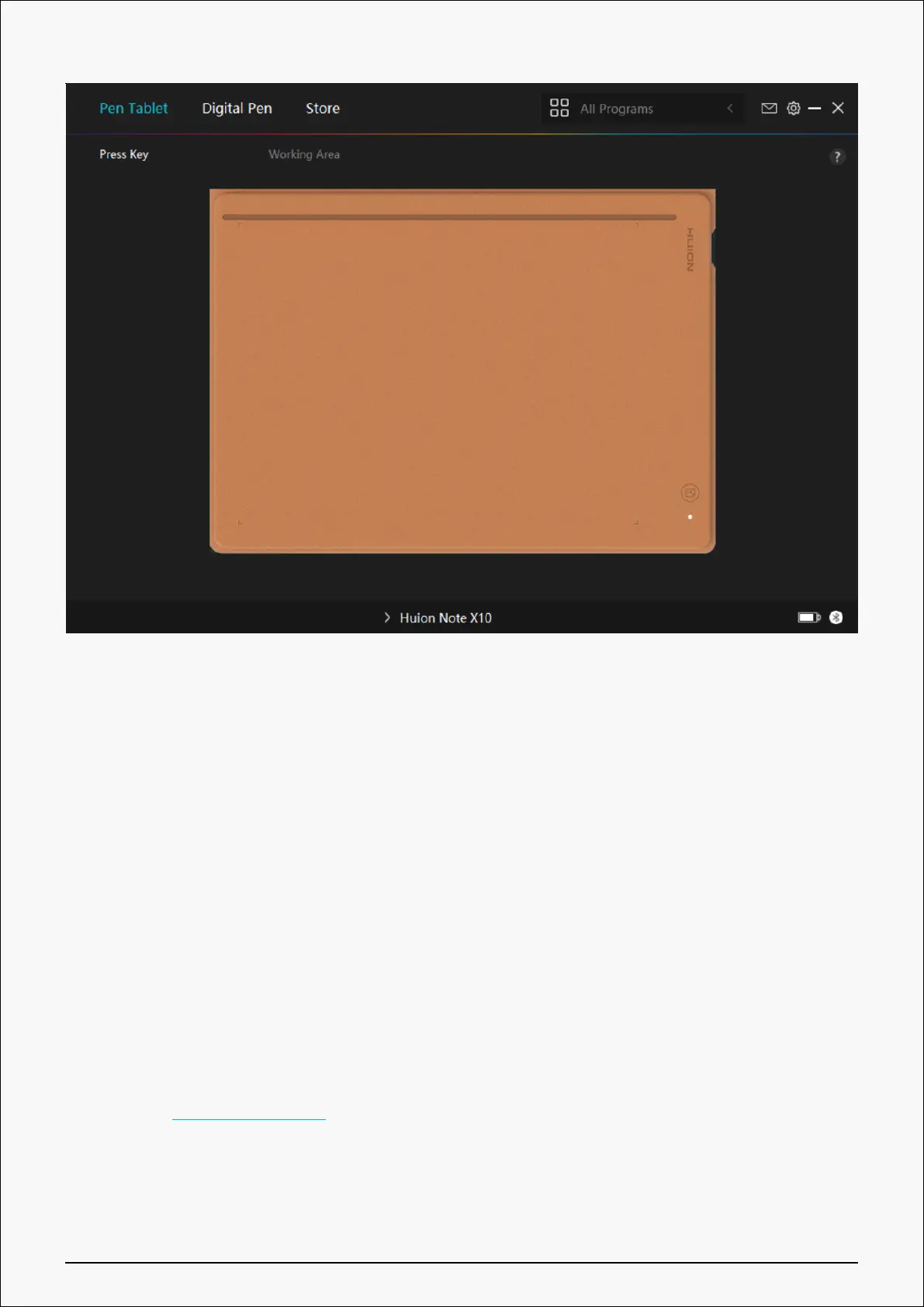
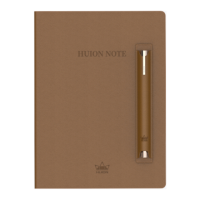
2. Open the driver and a picture of Huion Note will appear, indicating that the pen display is
successfully connected to your computer. Now you can use your pen display.
3. If the connection fails, please restart the driver or your computer. For more information,
please refer to Troubleshooting. See section.
Note: The pen display cannot work once the driver is uninstalled or deleted. In this case
please click Driver-Huion Note to reinstall a driver, and your pen display and digital pen will
restore to their default settings.
Driver Installation
15 / 44







 To Next Page