· tar.xz (file format)
· deb (file format)
Here are the step-by-step instructions for installing the driver packages in
different file formats respectively:
1.Instructions for installing the driver package file in tar.xz format.
Linux operating systems supported:
Ubuntu
Steps to Install:
1.Extract the contents of the driver file, huiontablet_XXXX.tar.xz, into a folder.
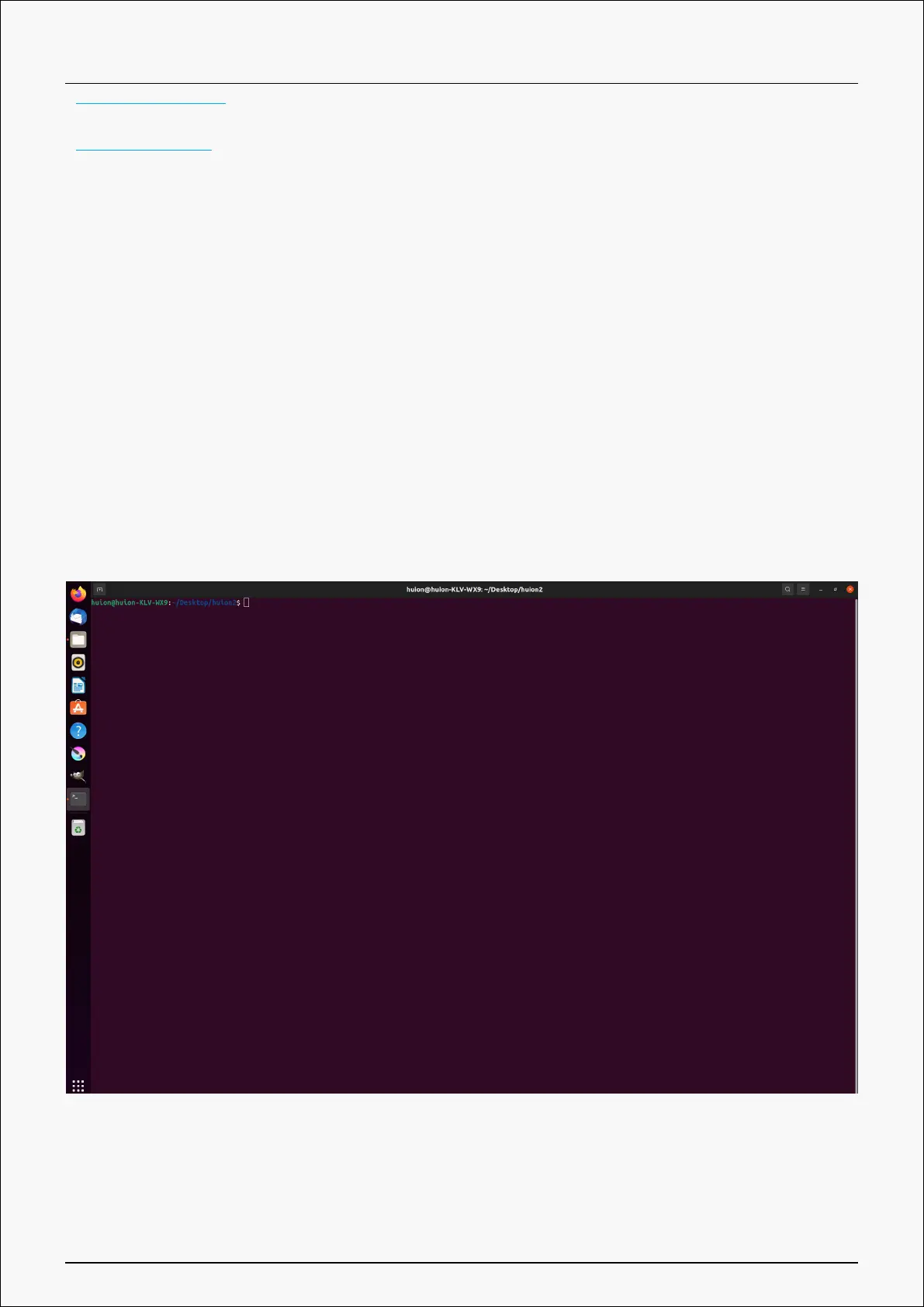
2.Open the command window in the folder.
3.Input the following command: “sudo sh install.sh”, and press the enter key on the keyboard
to make your Linux device execute it.
19 / 44









 To Next Page